How can I make a QR code for free?
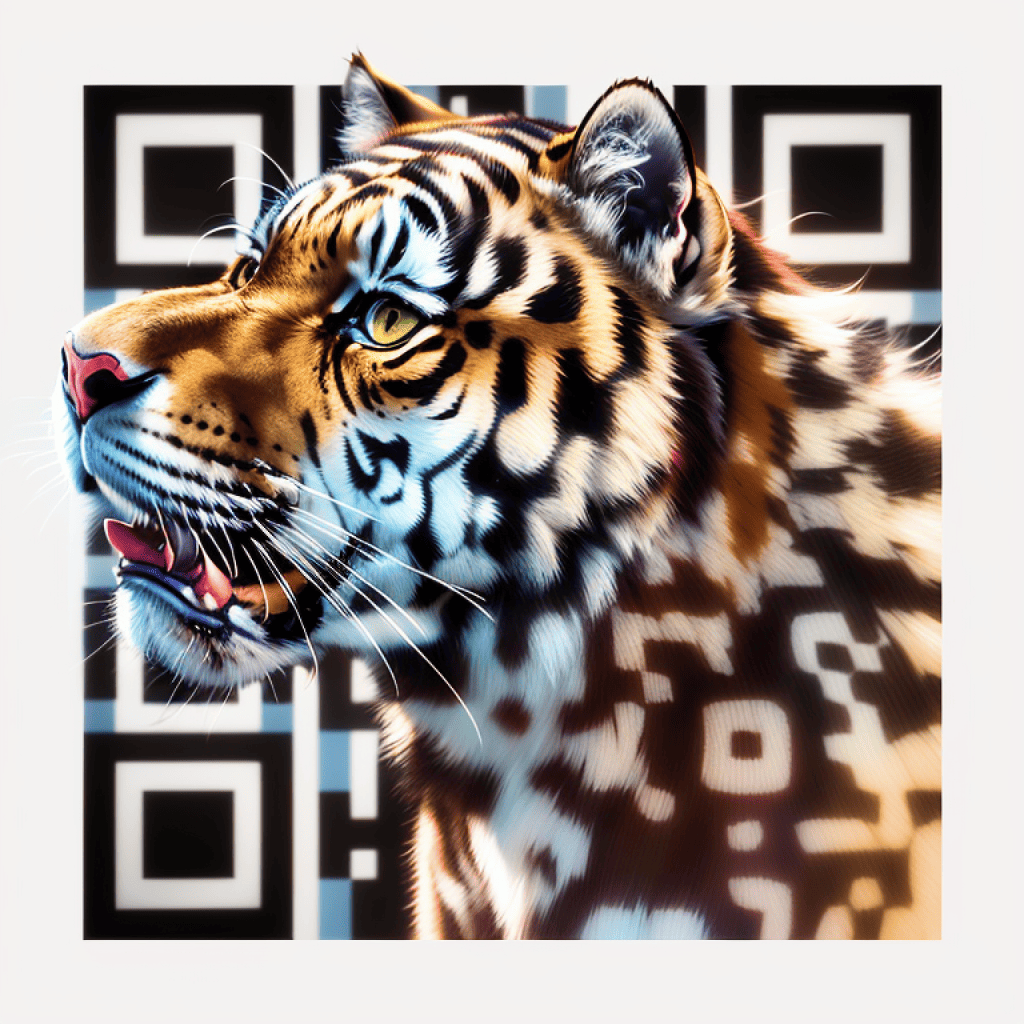
To make a QR code for free, enter your content in a QR code generator like QR Code AI, then customize it with features like color, logo, or artistic design for a personalized touch. You can download the code in high-quality PNG, SVG, or PDF formats, ready for today’s standards in marketing, branding, or personal use.
Can I add a logo in the middle of my QR code?
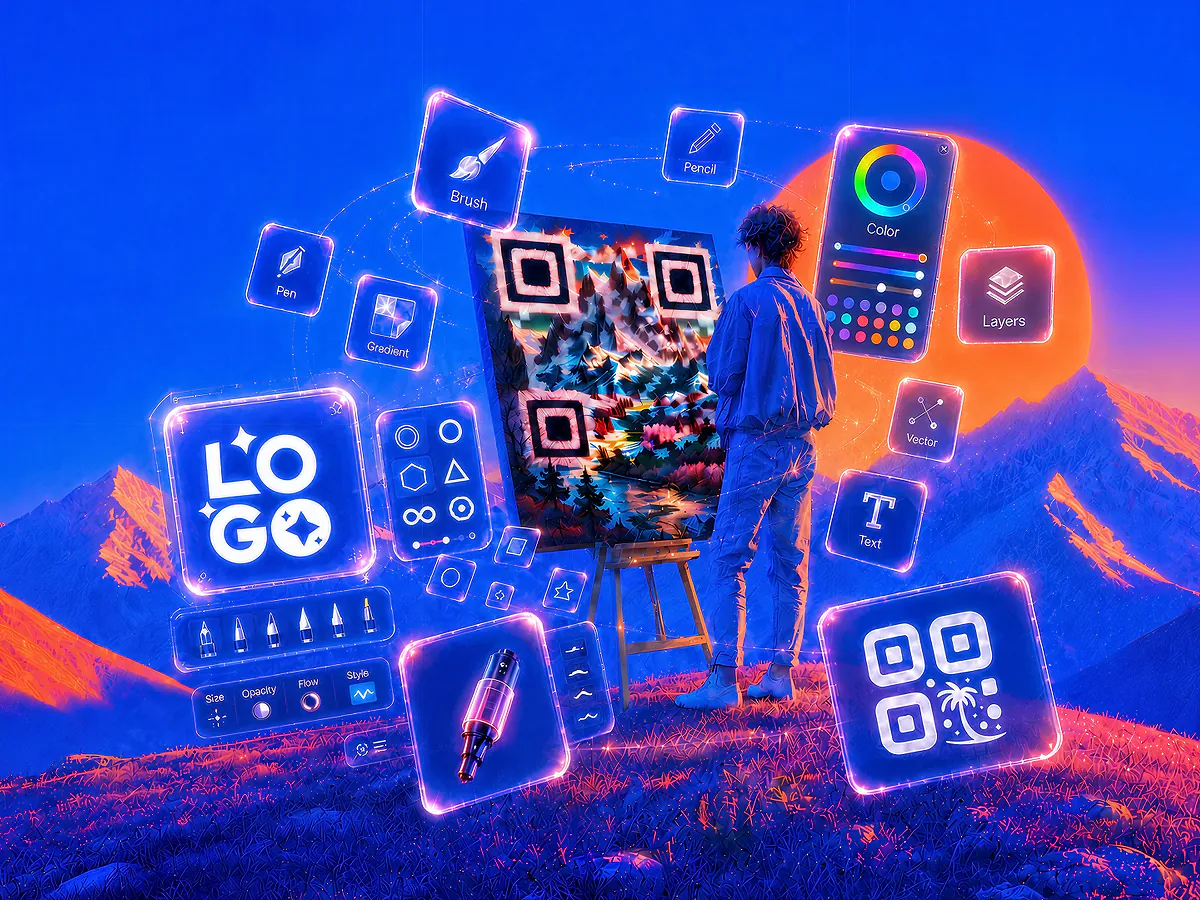
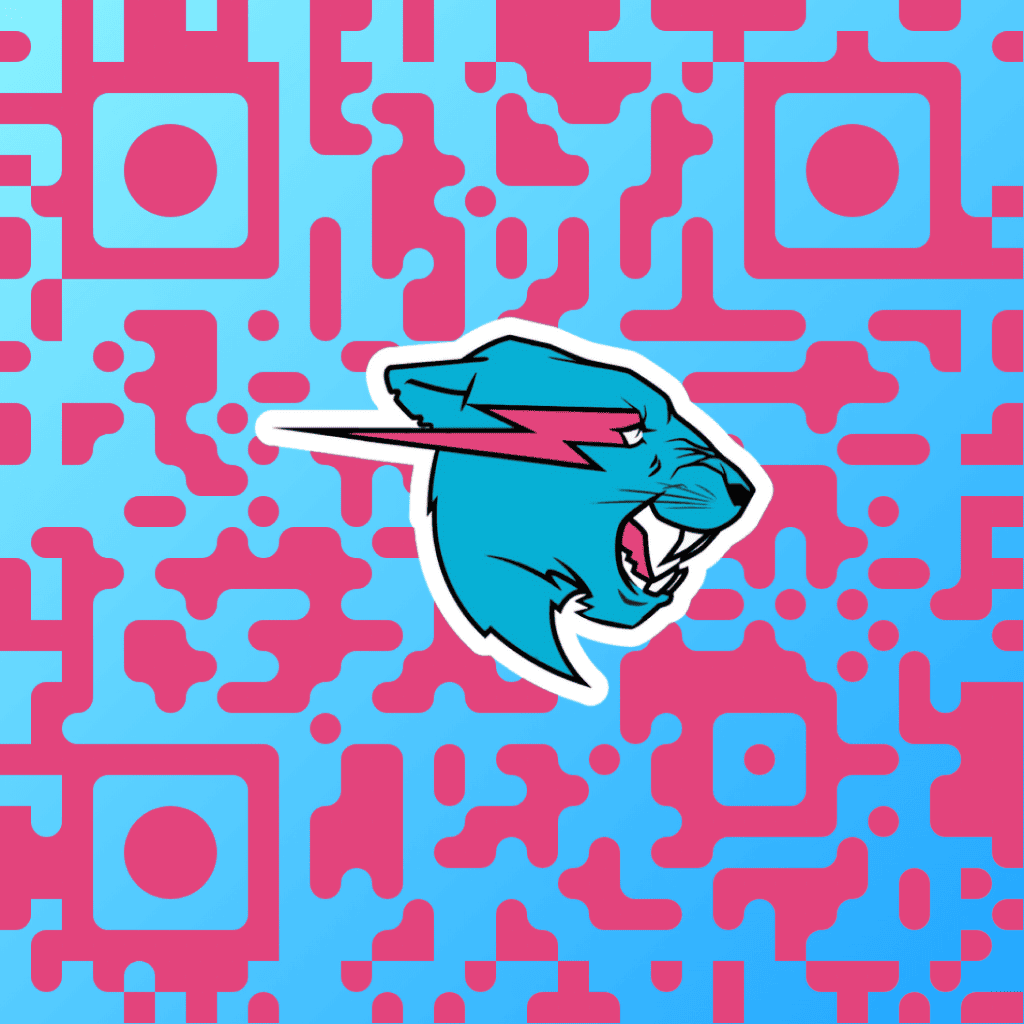
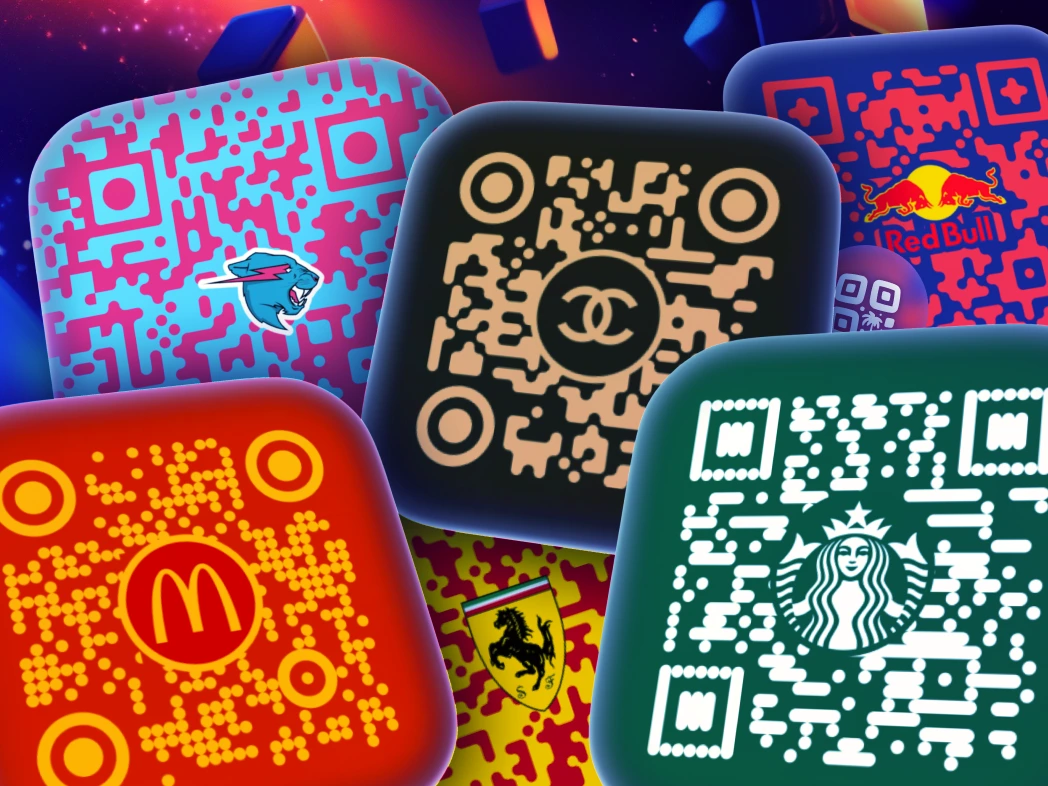
Yes, QR Code AI allows you to add a logo in the middle of your QR code. This feature is ideal for branding, as you can place your company’s logo or icon within the code, making it both recognizable and professional. Customize the size, placement, and color to ensure the logo blends seamlessly while keeping the QR code fully scannable.
How do I change the color or background of my QR Code?
To change the color or background of your QR code on QR Code AI, start by selecting your code type, then choose customization options. You can apply brand-specific colors, set transparent backgrounds, and even add logos to match your style. Once customized, simply download your QR code in high quality to use across any platform.
What is a custom QR codes generator and how does it work?
A custom QR codes generator creates QR codes whose destination URL can be edited after the code is printed, without changing the code itself. QR Code AI's custom QR codes generator stores a short redirect on every code and lets you swap the target page, A/B test landing pages, and verify every code before download with detailed audience intelligence: Geographic location, device, browser, and bot filtering. Static QR codes encode a fixed destination; custom QR codes store an reusable redirect that lets you update the target and check scanability.
What are the different types of QR Codes supported by QR Code AI?
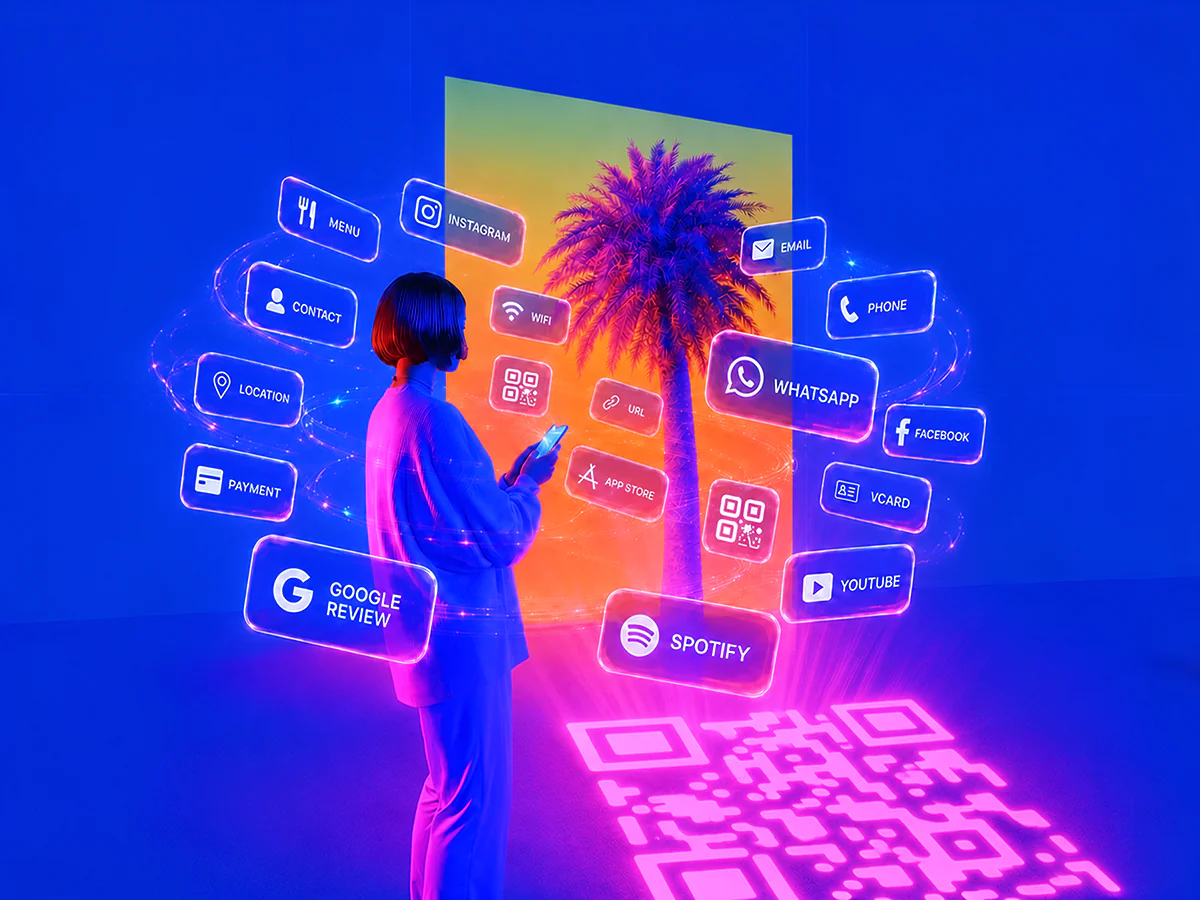
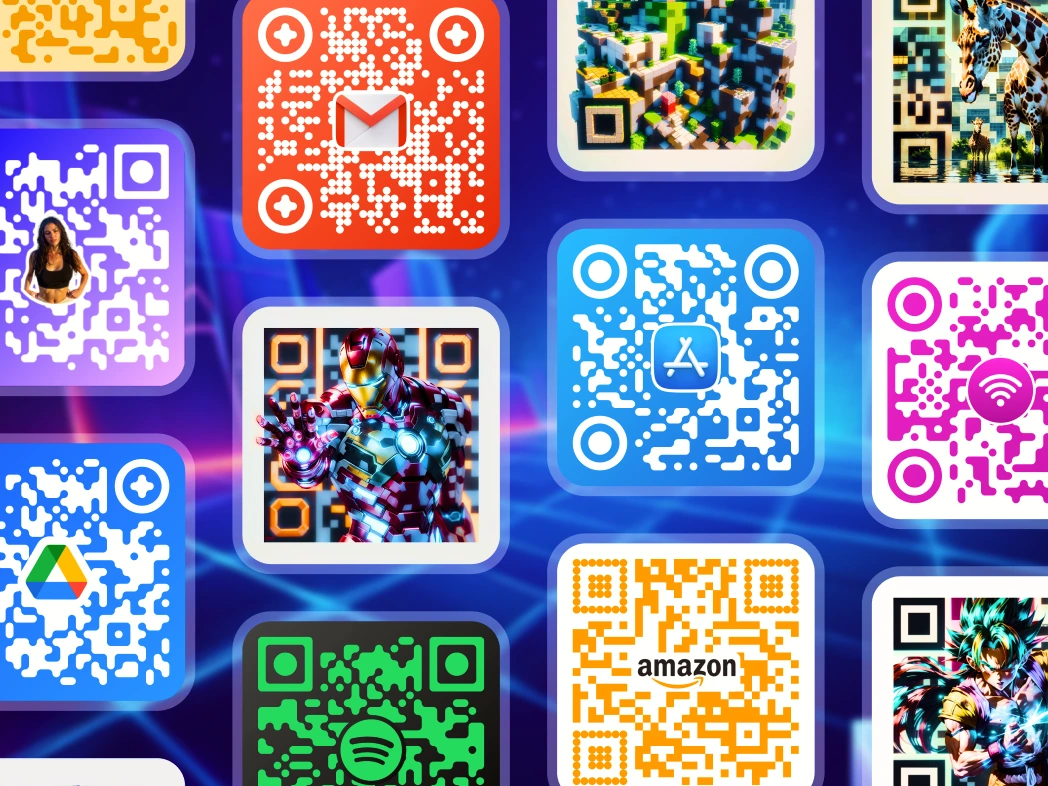
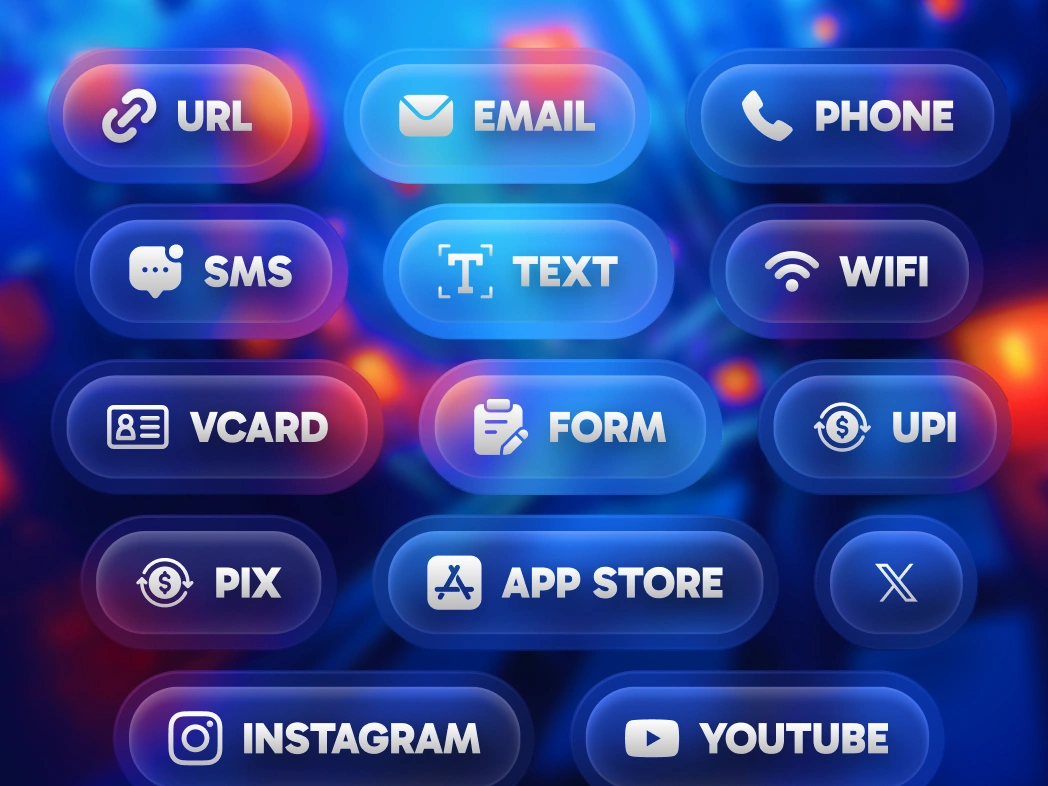
QR Code AI supports a wide range of QR code types to suit any need. From URLs, emails, and WiFi access to social media profiles like LinkedIn, Facebook, Instagram, and YouTube, the platform has options for every scenario. It also includes QR codes for payment links, event check-ins, location sharing, and multimedia files. With advanced features like custom and artistic QR codes, QR Code AI enables highly customizable and functional solutions.
What formats are available for downloading my QR Code?
You can download your QR code in high-quality formats like PNG, SVG, PDF, and EPS on QR Code AI. These formats ensure your QR code is sharp and versatile for use on digital platforms or printed materials like business cards, brochures, and signs.
Does QR Code AI support API integration for bulk QR Code generation?
Yes, QR Code AI’s API supports bulk QR code generation with full customization options. Each QR code can be personalized using templates like Custom QR Code and QR Code Art, allowing for custom logos, shapes, colors, and other design elements directly via API. This feature is ideal for creating high volumes of branded QR codes efficiently.
Can I convert QR codes from other platforms?
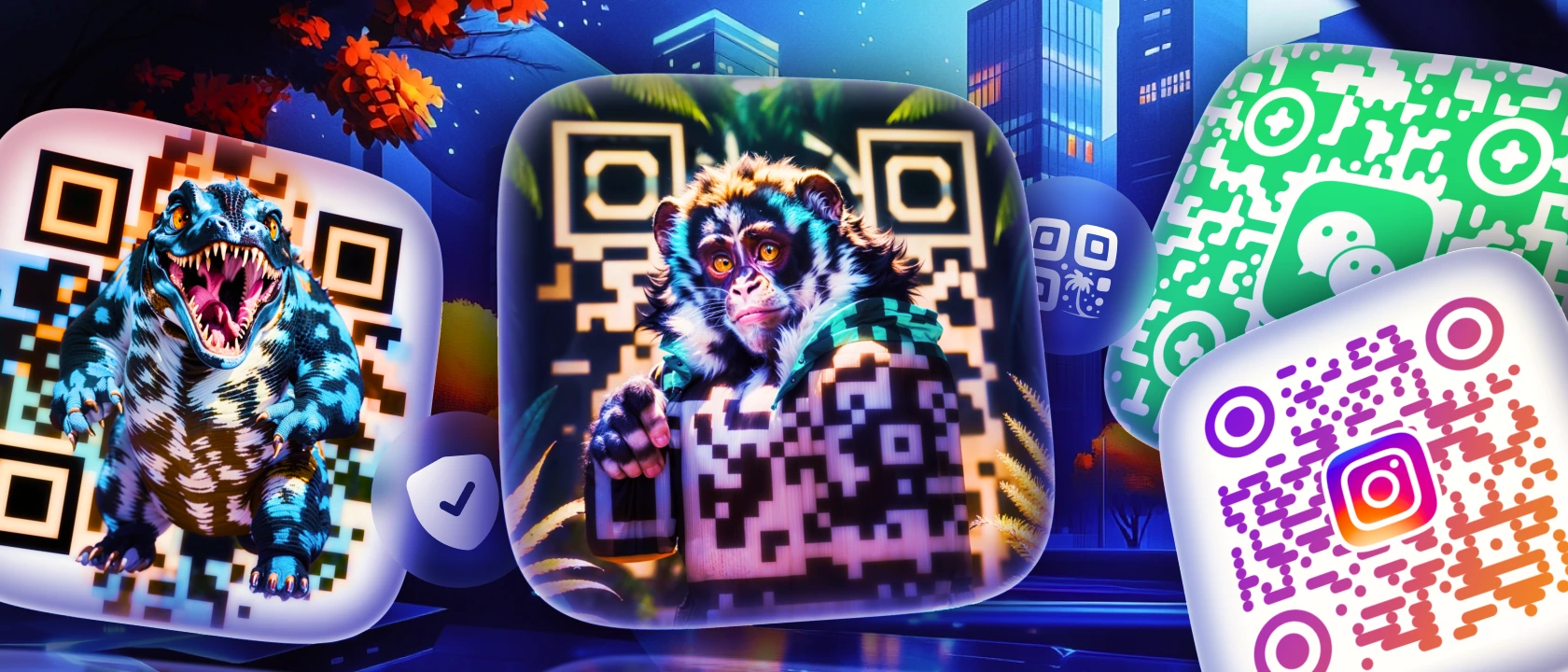
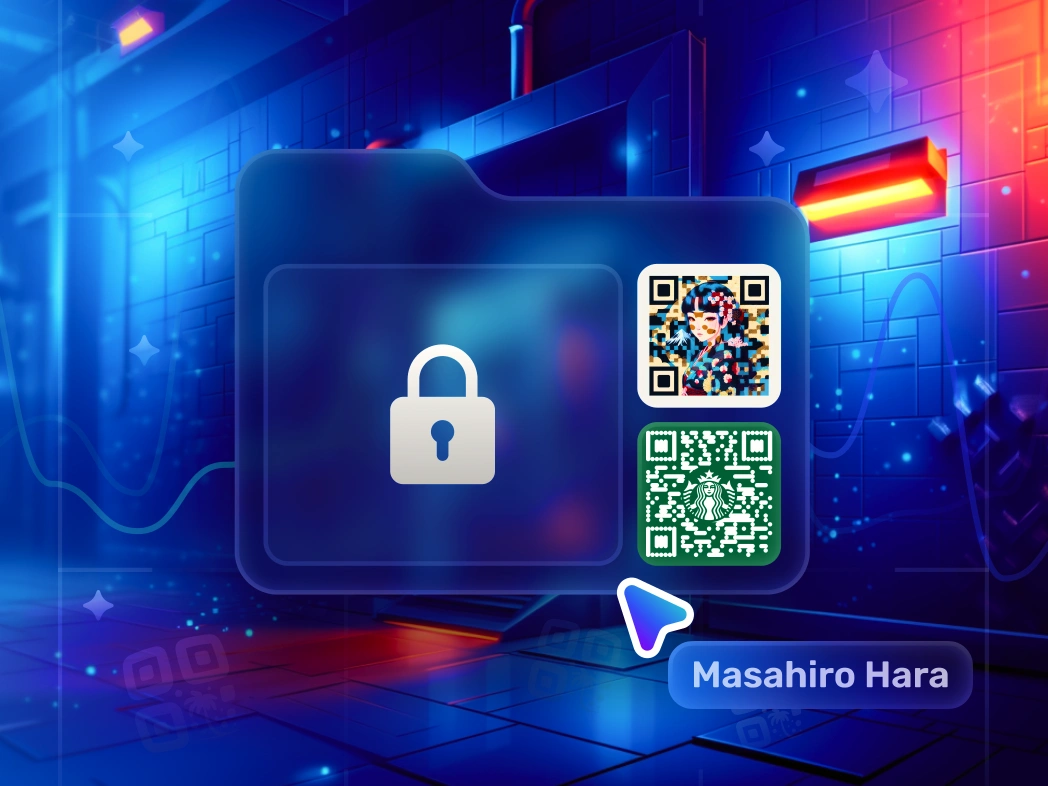
Yes, QR Code AI lets you convert QR codes from platforms like Linktree, QR Tiger, QR Monkey, Adobe, Canva, or even game codes from Mii, Pokemon, and Tomodachi Life. Once imported, these codes can be customized further with logos, color adjustments, and unique shapes to fit your brand’s style seamlessly.
Does Google Chrome have a built-in QR code generator?
Yes. The Google Chrome QR code generator is built in: right-click any page and choose "Create QR Code for this page". Microsoft Edge and Adobe Express offer a similar QR code generator too. But the Chrome QR code generator only makes a plain black-and-white code for one URL. QR Code AI is a free QR code generator that adds your logo, brand colors, custom shapes, 60 content types (Wi-Fi, PDF, vCard, Instagram and more), AI-generated art, custom reusable links and full scannable previews.