Free QR code maker for everyday campaigns
Create branded QR codes in one clean workspace
Build QR codes for links, menus, WiFi, PDFs, social profiles and store pages. Pick a type, style the code, preview it, then download files you can use online or in print.
60+QR code typesNo logincreate and downloadPNG / SVG / PDFexport formats
1
Make QR code from ANY
2
Choose Your QR Code Style
3
Design Your QR Code
Templates
QR Code Make
Everything starts in the editor
No account wall, no saved scan history, no forced redirect. QR Code Make focuses on fast creation, clear exports and scan-friendly visual choices.
A practical QR workflow from content to download
The page is built around the steps people actually repeat: choose the destination, tune the design, verify readability, and export.
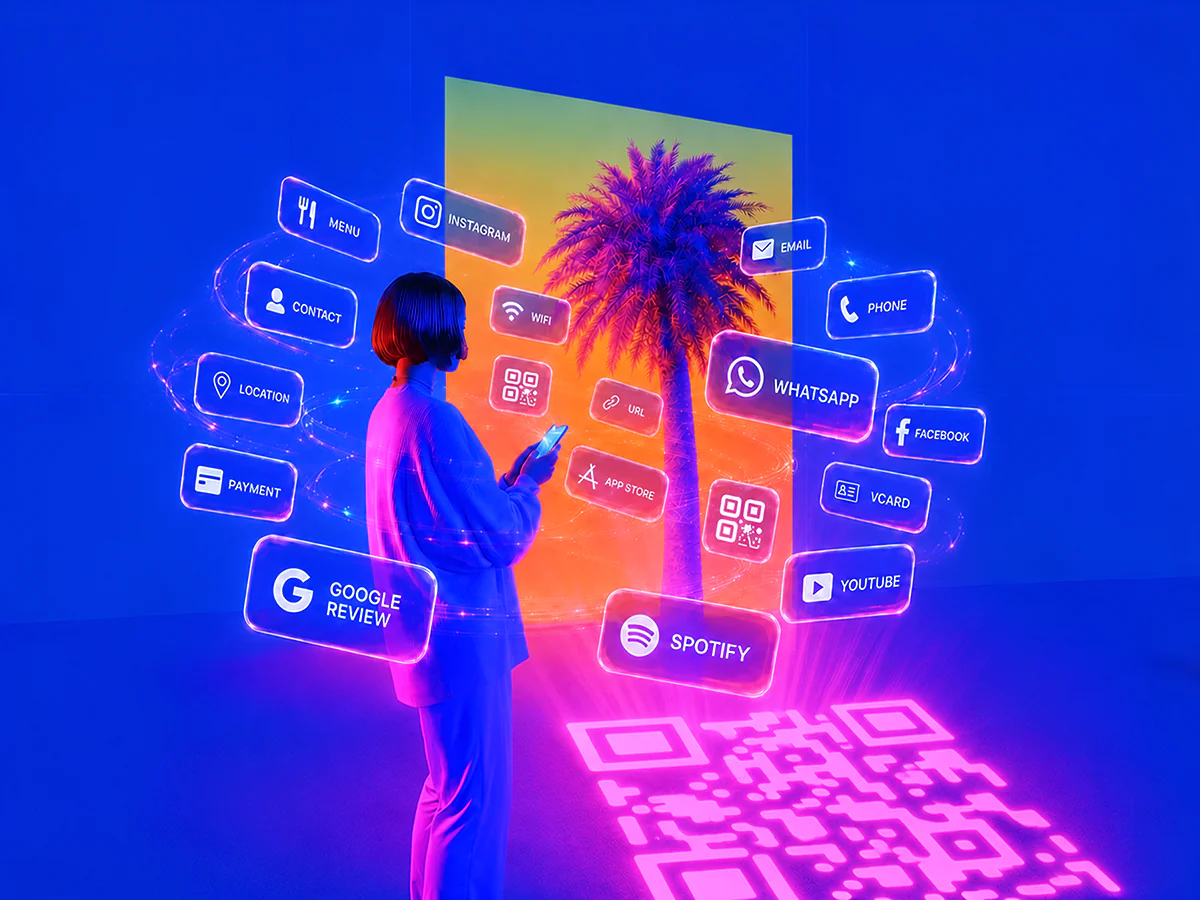
Choose Your QR Code Type from 60 Options
The page is built around the steps people actually repeat: choose the destination, tune the design, verify readability, and export.
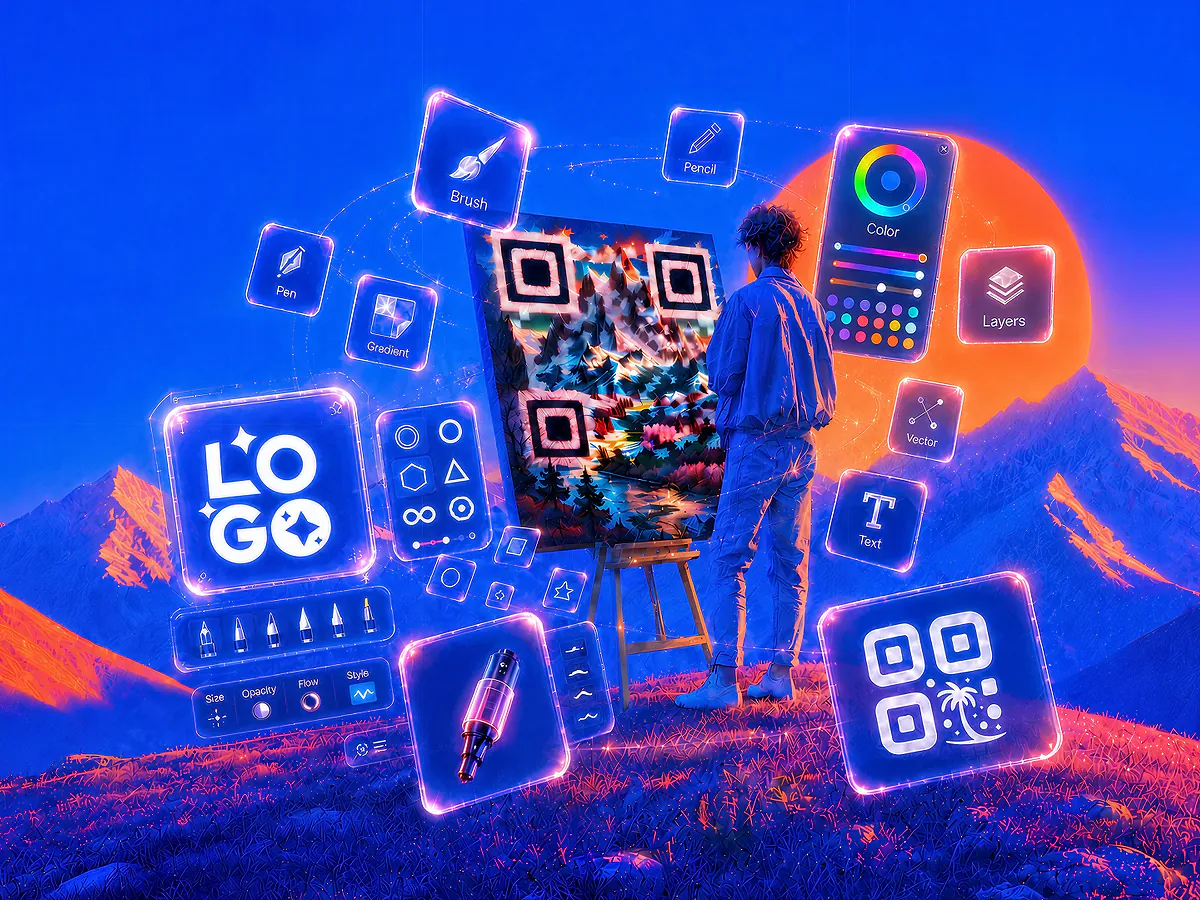
Customize Your QR Code Design
Add a logo, change colors and choose templates without hiding the scannable pattern. Keep the code useful first and branded second.
Download, Print and Share
Open the generator, enter your content and download a QR code that is ready for your next page, print piece or campaign.
Turn plain black codes into recognizable brand assets
Add a logo, change colors and choose templates without hiding the scannable pattern. Keep the code useful first and branded second.
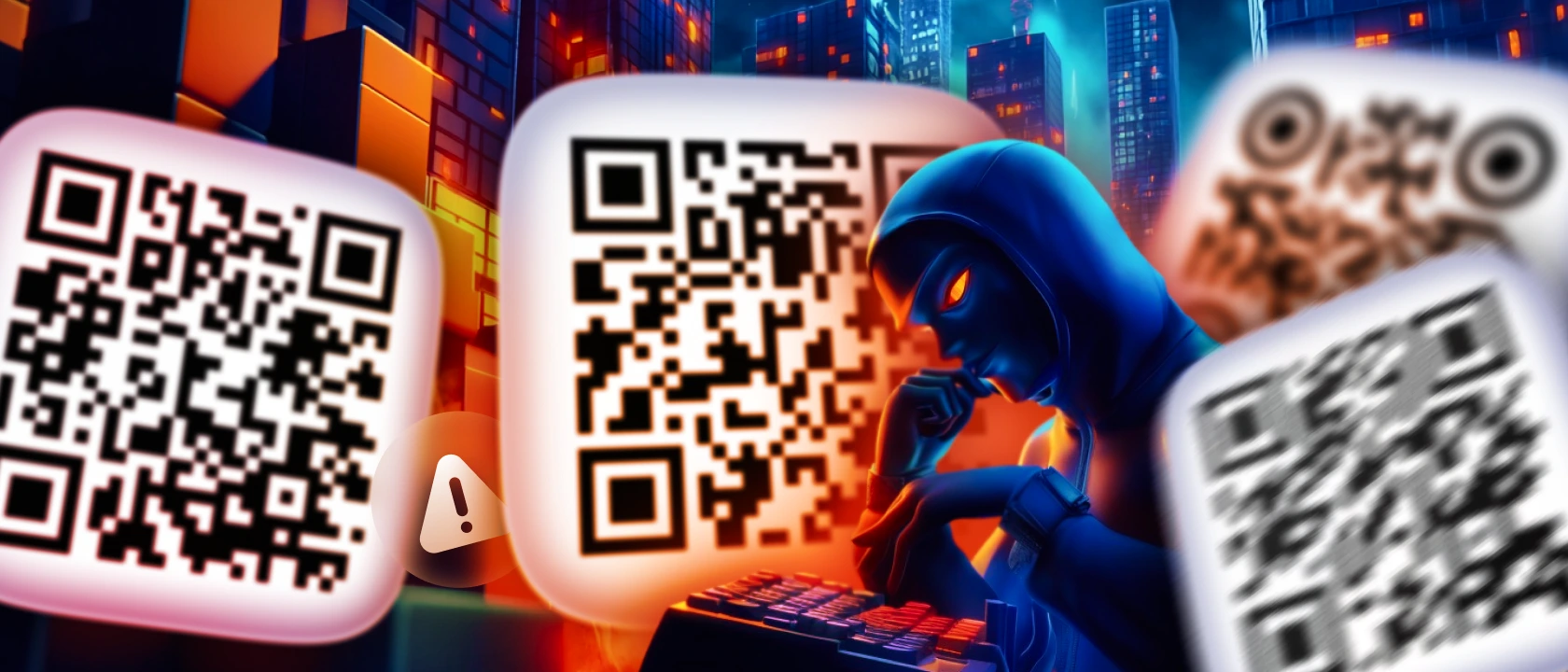
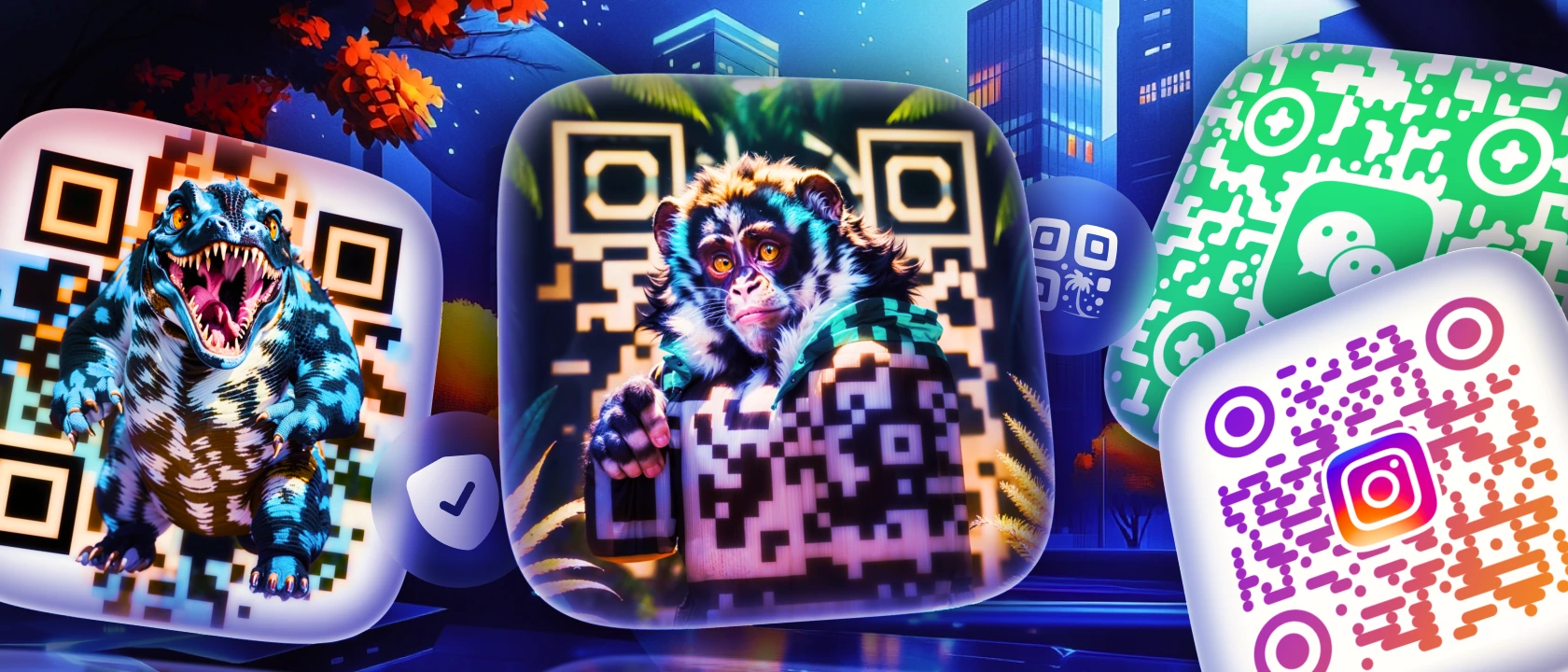 BeforeAfter
Use templates as starting points, not final copies
Browse visual directions, then adjust colors, content and logo so the finished code belongs to your project.
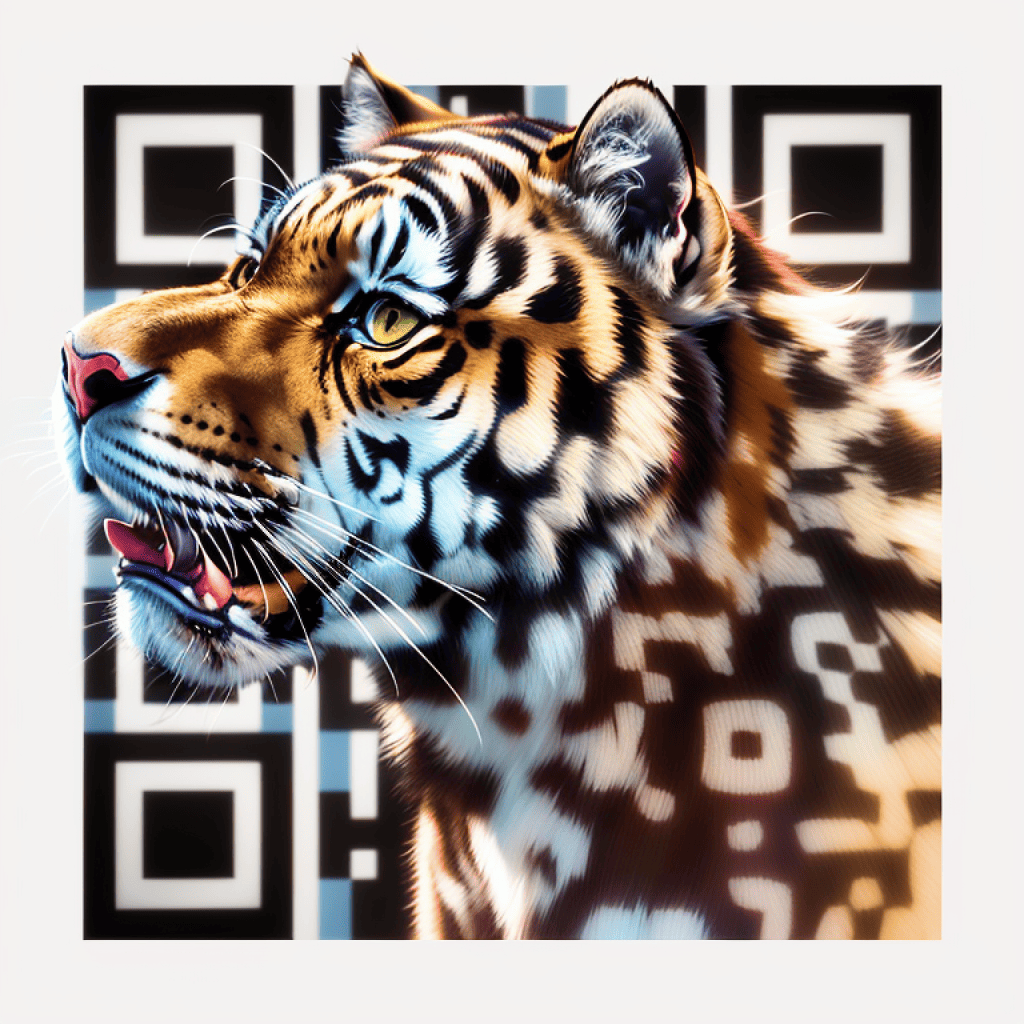
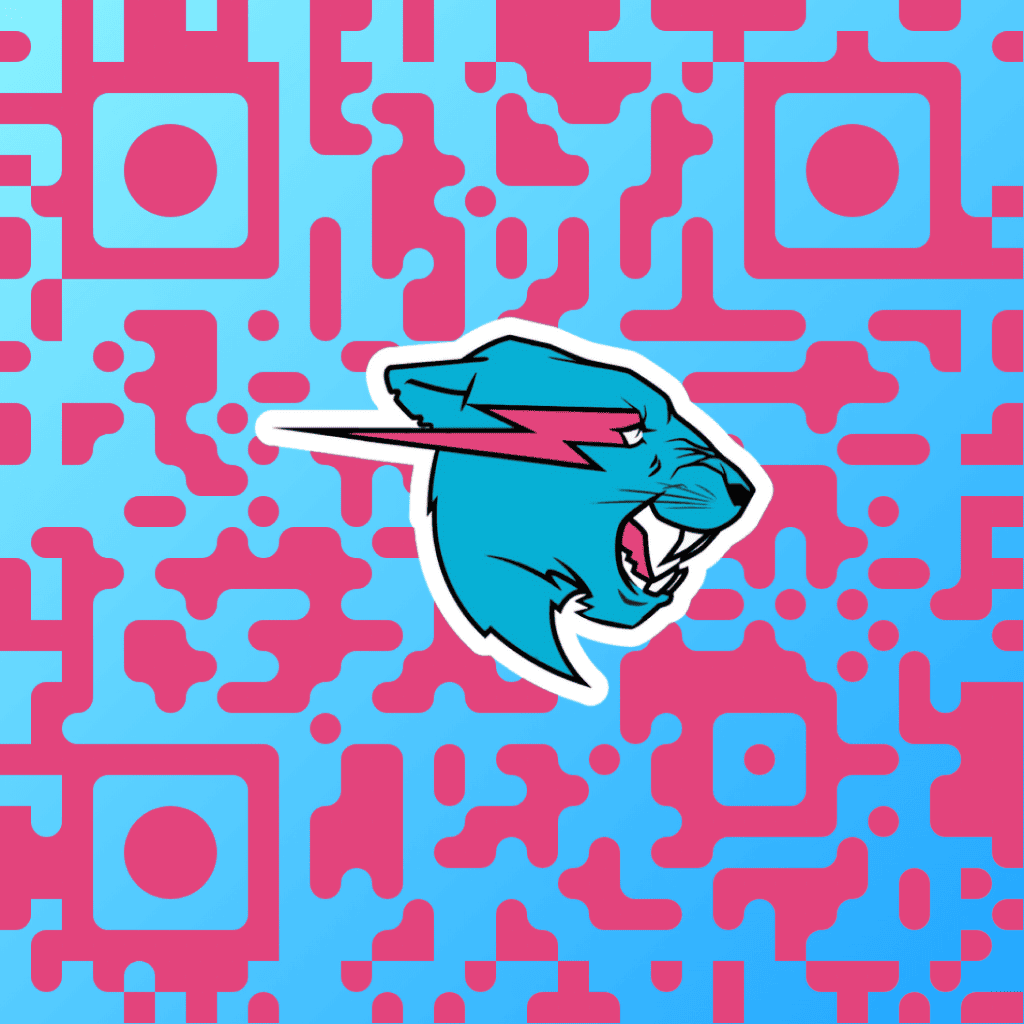
Made for simple public QR code work
Create QR files for signs, packaging, menus, business cards, event pages and social campaigns without setting up an account system.
- 60+
- QR code types
- No login
- create and download
- PNG / SVG / PDF
- export formats
Useful defaults for teams that print and publish
Every control is tuned for everyday QR code creation: reliable contrast, familiar content types, reusable visual presets and quick exports.
Print-ready contrast
Color and background choices keep the code pattern readable.
Session-based workflow
Refreshing clears the edit state; no account or saved history is required.
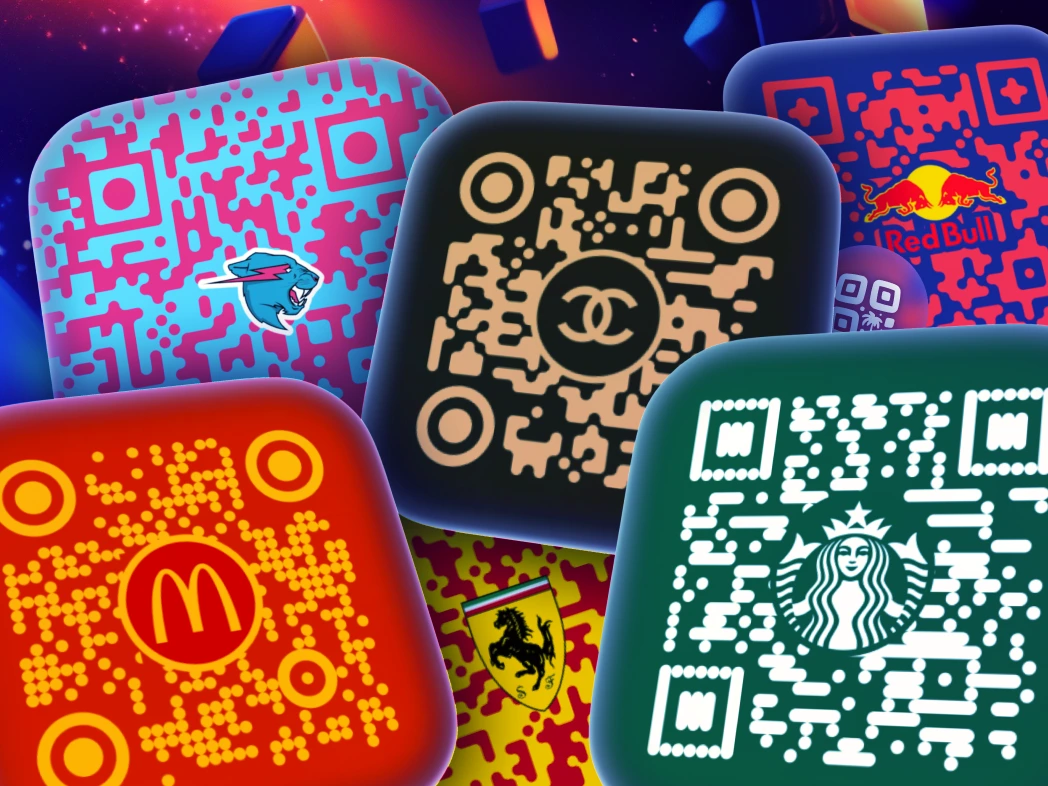
Editable starting points
Pick a style, then replace colors, logo and content with your own.
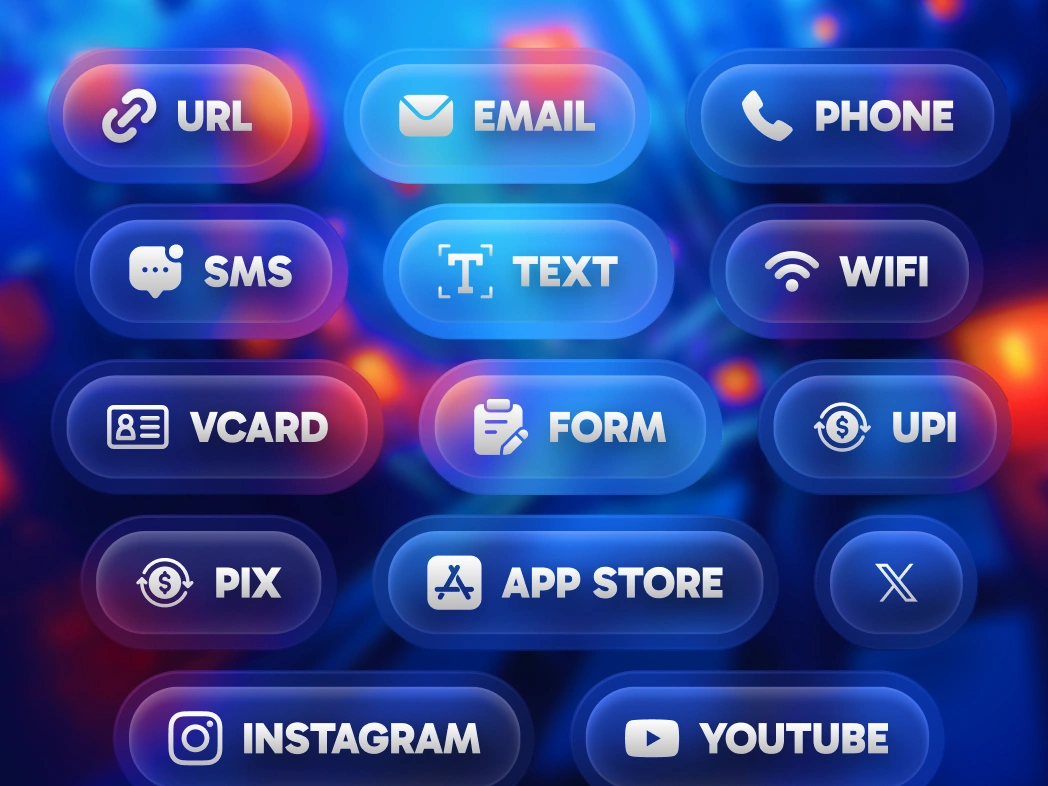
Common destinations covered
Links, WiFi, PDFs, vCards, social profiles and payments have focused forms.
Choose the QR code type that matches the destination
Start with URL, WiFi, vCard, PDF, Instagram, WhatsApp, PayPal, app stores, maps, forms and many more focused generators.

Link to QR Code Generator
Convert any link to QR code: branded URL QR codes with your logo, short links, and live scan design. Edit the destination anytime.
Create QR code
Instagram QR Code Generator
Generate an Instagram QR code to promote your profile, with options for custom images and backgrounds.
Create QR code
Google Review QR Code Generator
Direct users to your Google Reviews page, making it easy to collect valuable reviews and boost credibility.
Create QR code
WiFi QR Code Generator
Generate a QR code for WiFi with transparent options, allowing users to connect effortlessly and securely.
Create QR code
PDF to QR Code Generator
Turn PDF documents into QR codes, perfect for sharing files quickly and reducing paper usage.
Create QR code
TikTok QR Code Generator
Generate a TikTok Shop affiliate QR code, connecting users directly to your shop or unique content.
Create QR code
Facebook QR Code Generator
Create a custom QR code for your Facebook page, perfect for boosting page visits and social engagement.
Create QR code
YouTube QR Code Generator
Create a QR code for YouTube videos or channels to increase views and boost audience engagement.
Create QR code
Text to QR Code Generator
Convert text into a QR code for quick access and easy sharing, making it perfect for displaying info or short messages.
Create QR code
SMS QR Code Generator
Create a quick QR code for SMS messages, allowing users to text you instantly with pre-filled details.
Create QR code
PayPal QR Code Generator
Generate PayPal QR codes for tip jars, charity drives, freelancer invoices or checkout counters.
Create QR code
Email QR Code Generator
Make a QR code for any email address, enabling users to start an email with a simple scan.
Create QR code
Phone Number QR Code Generator
Generate a QR code that links directly to a phone number, making calls just a scan away for instant connections.
Create QR code
WhatsApp QR Code Generator
Easily create a WhatsApp QR code to link to your chat or profile, perfect for personal and business messaging.
Create QR code
Spotify QR Code Generator
Generate Spotify QR codes for tracks, albums, playlists, artists or podcasts. Custom logo, AI-generated designs, scans on every modern camera.
Create QR code
LinkedIn QR Code Generator
Generate LinkedIn QR codes on desktop with your logo, brand colors and live scan design. Edit the destination anytime.
Create QR code
Snapchat QR Code Generator
Generate Snapchat QR codes for profiles, Stories, Lenses, Filters or Spotlight videos. Custom logo, AI-generated designs, scans on every modern camera.
Create QR code
vCard QR Code Generator
Easily share contact info with a QR code Generator for business cards, visiting cards, or vCards, ideal for networking.
Create QR code
QR Code Menu Generator
Generate menu QR codes with your logo, custom specials, and FDA allergen compliance. Update daily by generating a new file, scans on any phone camera.
Create QR code
Twitter / X QR Code Generator
Create a Twitter QR code to promote your profile or specific tweets, ideal for social engagement and quick access.
Create QR code
Google Form QR Code Generator
Generate a QR code for any Google Form to simplify form access and increase survey participation rates.
Create QR codeFrequently Asked Questions About QR Codes
Understanding QR Codes
What is a QR code, and how do you use it?
A QR code (Quick Response) is a two-dimensional barcode that, when scanned by a smartphone or QR code reader, instantly links users to online content, websites, contact info, and more. Beyond simple links, QR codes can embed advanced functionalities like payment gateways, location sharing, event RSVPs, and multimedia files making them ideal for quick and seamless information sharing across marketing, events, and product interactions.
Who is the father of QR code, and where did it originate?
The father of the QR code is Masahiro Hara, an engineer at Denso Wave, invented the QR code in 1994 in Japan to address limitations of barcodes, particularly in the automotive industry, by creating a two-dimensional code with high storage capacity and quick readability. Denso Wave holds the patent but chose not to exercise it, making the QR code freely accessible.
How is a QR code different from a barcode?
A QR code is a two-dimensional matrix storing data both horizontally and vertically, allowing it to hold more information and be scanned from any angle: In contrast, a barcode is one dimensional, storing data only horizontally, which limits its storage and requires specific alignment for scanning.
Is there a free QR code generator that is safe to use?
Yes. QR Code Make is a free QR code generator that is safe to use. It runs on GDPR-compliant encrypted servers, includes built-in anti-scam protection that blocks fake QR codes and phishing redirects, and never collects personal information from scanners. No credit card is required to start.
Do people still use QR codes in 2026?
Yes, people still use QR codes widely in 2026. According to recent data, the number of smartphone users in the U.S. who scan QR codes continues to grow significantly each year, with millions engaging for payments, marketing, and easy access to information. QR codes have become an essential tool for brands and businesses, remaining highly relevant and accessible in the digital age.
What is the future of QR codes in marketing?
The future of QR codes in marketing is promising, as they continue to evolve and adapt to new technologies like augmented reality and blockchain. QR codes enhance the customer journey by enabling immersive brand experiences, custom product information, and secure digital transactions. With personalized, trackable content, brands can gain deeper insights into consumer behavior.
Which country uses QR codes the most?
China leads global QR code adoption, with platforms like WeChat and Alipay embedding QR codes in daily transactions; over 50% of Chinese consumers regularly scan QR codes for payments. India follows closely, with nearly 40% of the population using QR codes, especially via UPI systems. In the U.S., QR code usage surged post-pandemic, with 90% of Americans having scanned at least one QR code. Japan and South Korea are also major players, integrating QR codes for shopping, transit, and hospitality.
Do QR codes expire?
A QR code is a printed pattern, so the pattern itself keeps working once generated. What matters is the destination it points to. Static types encode the destination directly into the pattern, while custom types route through a link you control. With QR Code Make you can point custom links at your own branded labels, so they keep resolving as long as that domain stays active, even independently of QR Code Make servers.
How do I scan a QR code with my phone?
To scan a QR code, just open your phone's Camera app: iPhones (iOS 11 and later) and Android phones (version 9 and later) detect QR codes automatically and show the link, with no separate QR code scanner app needed. On a computer you can use an online QR code reader by uploading a screenshot. Every QR code created with QR Code Make is instantly scannable.
Creating and Customizing QR Codes
How can I make a QR code for free?
To make a QR code for free, enter your content in a QR code generator like QR Code Make, then customize it with features like color, logo, or artistic design for a personalized touch. You can download the code in high-quality PNG, SVG, or PDF formats, ready for today’s standards in marketing, branding, or personal use.
Can I add a logo in the middle of my QR code?
Yes, QR Code Make allows you to add a logo in the middle of your QR code. This feature is ideal for branding, as you can place your company’s logo or icon within the code, making it both recognizable and professional. Customize the size, placement, and color to ensure the logo blends seamlessly while keeping the QR code fully scannable.
How do I change the color or background of my QR Code?
To change the color or background of your QR code on QR Code Make, start by selecting your code type, then choose customization options. You can apply brand-specific colors, set transparent backgrounds, and even add logos to match your style. Once customized, simply download your QR code in high quality to use across any platform.
What is a custom QR codes generator and how does it work?
A custom QR codes generator creates QR codes whose destination URL can be edited after the code is printed, without changing the code itself. QR Code Make's custom QR codes generator stores a short redirect on every code and lets you swap the target page, A/B test landing pages, and verify every code before download with detailed audience intelligence: Geographic location, device, browser, and bot filtering. Static QR codes encode a fixed destination; custom QR codes store an reusable redirect that lets you update the target and check scanability.
What are the different types of QR Codes supported by QR Code Make?
QR Code Make supports a wide range of QR code types to suit any need. From URLs, emails, and WiFi access to social media profiles like LinkedIn, Facebook, Instagram, and YouTube, the platform has options for every scenario. It also includes QR codes for payment links, event check-ins, location sharing, and multimedia files. With advanced features like custom and artistic QR codes, QR Code Make enables highly customizable and functional solutions.
What formats are available for downloading my QR Code?
You can download your QR code in high-quality formats like PNG, SVG, PDF, and EPS on QR Code Make. These formats ensure your QR code is sharp and versatile for use on digital platforms or printed materials like business cards, brochures, and signs.
Does QR Code Make support API integration for bulk QR Code generation?
Yes, QR Code Make’s API supports bulk QR code generation with full customization options. Each QR code can be personalized using templates like Custom QR Code and QR Code Art, allowing for custom logos, shapes, colors, and other design elements directly via API. This feature is ideal for creating high volumes of branded QR codes efficiently.
Can I convert QR codes from other platforms?
Yes, QR Code Make lets you convert QR codes from platforms like Linktree, QR Tiger, QR Monkey, Adobe, Canva, or even game codes from Mii, Pokemon, and Tomodachi Life. Once imported, these codes can be customized further with logos, color adjustments, and unique shapes to fit your brand’s style seamlessly.
Does Google Chrome have a built-in QR code generator?
Yes. The Google Chrome QR code generator is built in: right-click any page and choose "Create QR Code for this page". Microsoft Edge and Adobe Express offer a similar QR code generator too. But the Chrome QR code generator only makes a plain black-and-white code for one URL. QR Code Make is a free QR code generator that adds your logo, brand colors, custom shapes, 60 content types (Wi-Fi, PDF, vCard, Instagram and more), AI-generated art, custom reusable links and full scannable previews.
design preview, Security and Privacy
What kind of design preview does QR Code Make provide?
QR Code Make provides in-depth design preview, including scan locations, device types, times of scans, and user demographics. These insights allow you to monitor engagement, optimize your campaigns, and understand user behavior, making it easier to tailor strategies in real time.
Are there any limitations on design data?
QR Code Make provides comprehensive design data including real-time insights on scans, user demographics, and engagement trends: design preview include device, browser, geo-location, descriptive labels, scan validation, and bot filtering to support campaigns of any size.
Can I see who scans a QR code?
No, QR Code Make does not collect personal information about individual users, so it cannot identify who scans a QR code specifically. However, it provides general design preview on scan locations, device types, and times to help you understand engagement trends.
Can I integrate QR Codes with Google design preview?
Yes, QR Code Make allows you to integrate QR codes with Google design preview by using descriptive labels. This integration provides detailed design on user interactions, helping you monitor engagement, traffic sources, and campaign performance directly within Google design preview.
Is QR Code Make safe? Are the QR codes generated secure?
Yes. QR Code Make is safe to use. QR codes generated by QR Code Make are tamper-proof, GDPR-compliant, and run on encrypted servers with built-in anti-scam protection that blocks fake QR codes and phishing redirects, an increasing concern flagged by the FTC. The platform never collects personal information from scanners, only anonymized design preview like location, device, and scan time.
What data does QR Code Make collect from scans?
QR Code Make collects non-personal, anonymized data from scans, including scan locations, device types, times of scans, and total scan counts. This data is used to provide insights into engagement patterns without gathering personal or identifiable information, ensuring user privacy and GDPR compliance.
Can QR codes collect personal information?
QR codes themselves don’t collect personal information, but if they link to websites or forms, they may prompt users to share data, like contact details. QR Code Make only gathers non-identifiable design preview such as scan locations and times to ensure user privacy. This approach aligns with GDPR and minimizes risks documented in the FTC consumer alert on QR code scams.