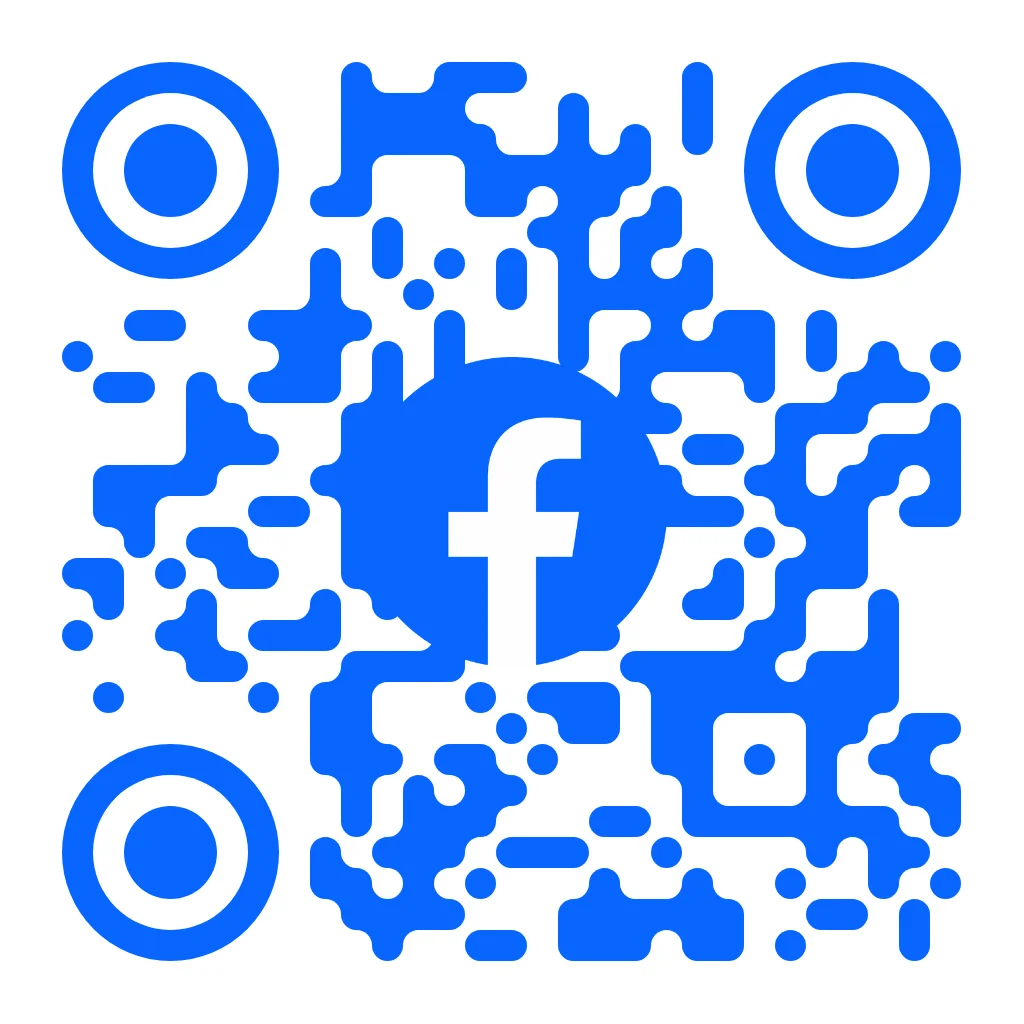
Facebook Logo Blue QR Code Template
Drive page likes and engagement with a branded Facebook QR code
A Facebook QR code template is a pre-designed scannable code that integrates the Facebook F logo and blue (#0866FF) color scheme into a branded layout. QR Code AI generates this template with 50+ customization parameters including 7 pixel styles, 7 marker shapes, gradient backgrounds, and text overlays to link directly to any facebook.com business page, personal profile, event, or group URL. Retailers, restaurants, event organizers, and real estate agents use Facebook QR codes on storefronts, menus, flyers, business cards, and product packaging.
Use this templateSimilar QR Code Templates
Facebook QR Code Template: Common Questions
What is a Facebook QR code and what can it link to?
A Facebook QR code template is a pre-designed scannable code that integrates the Facebook F logo and blue (#0866FF) color scheme into a branded layout. QR Code AI generates this template with 50+ customization parameters including 7 pixel styles, 7 marker shapes, gradient backgrounds, and text overlays to link directly to any facebook.com business page, personal profile, event, or group URL. Retailers, restaurants, event organizers, and real estate agents use Facebook QR codes on storefronts, menus, flyers, business cards, and product packaging.
How do I create a QR code for my Facebook business page?
A Facebook QR code is a scannable code that encodes a facebook.com URL pointing to a business page, personal profile, group, event, or individual post. When scanned with a smartphone camera, the Facebook QR code opens the Facebook app or mobile browser directly to the linked destination. QR Code AI generates Facebook QR codes with the blue F logo branding, 7 pixel styles, and 7 marker shapes for instant visual recognition.
Can the Facebook QR code destination be changed after printing?
QR Code AI generates Facebook business page QR codes by encoding the page URL (format: facebook.com/yourbusiness). Users select this template, paste the URL, and customize with 50+ parameters including colors, gradients, pixel style, marker shape, and logo placement. The finished Facebook QR code can be downloaded in PNG, SVG, or WebP format for storefronts, business cards, flyers, and product packaging.
What is the minimum print size for a Facebook QR code?
QR Code AI offers both static and custom Facebook QR codes. Static codes permanently encode the Facebook URL into the pattern. custom codes route through a short URL (qrc-ai.com) that can be redirected to a different Facebook page, event, or group at any time by generating a new file. custom Facebook QR codes also track scannable previews including geographic location, device type, browser, and referrer. custom codes can be recreated when needed.
Does the Facebook QR code work without the Facebook app installed?
Facebook QR codes should be printed at a minimum of 2 cm x 2 cm (0.8 in x 0.8 in) for reliable scanning at close range. Business cards typically use 2.5 cm, storefronts and posters use 5-10 cm, and banners use 15+ cm depending on scanning distance. QR Code AI exports in SVG vector format, which scales to any print size without quality loss, and PNG at fixed resolution for digital use on websites, email signatures, and social media.