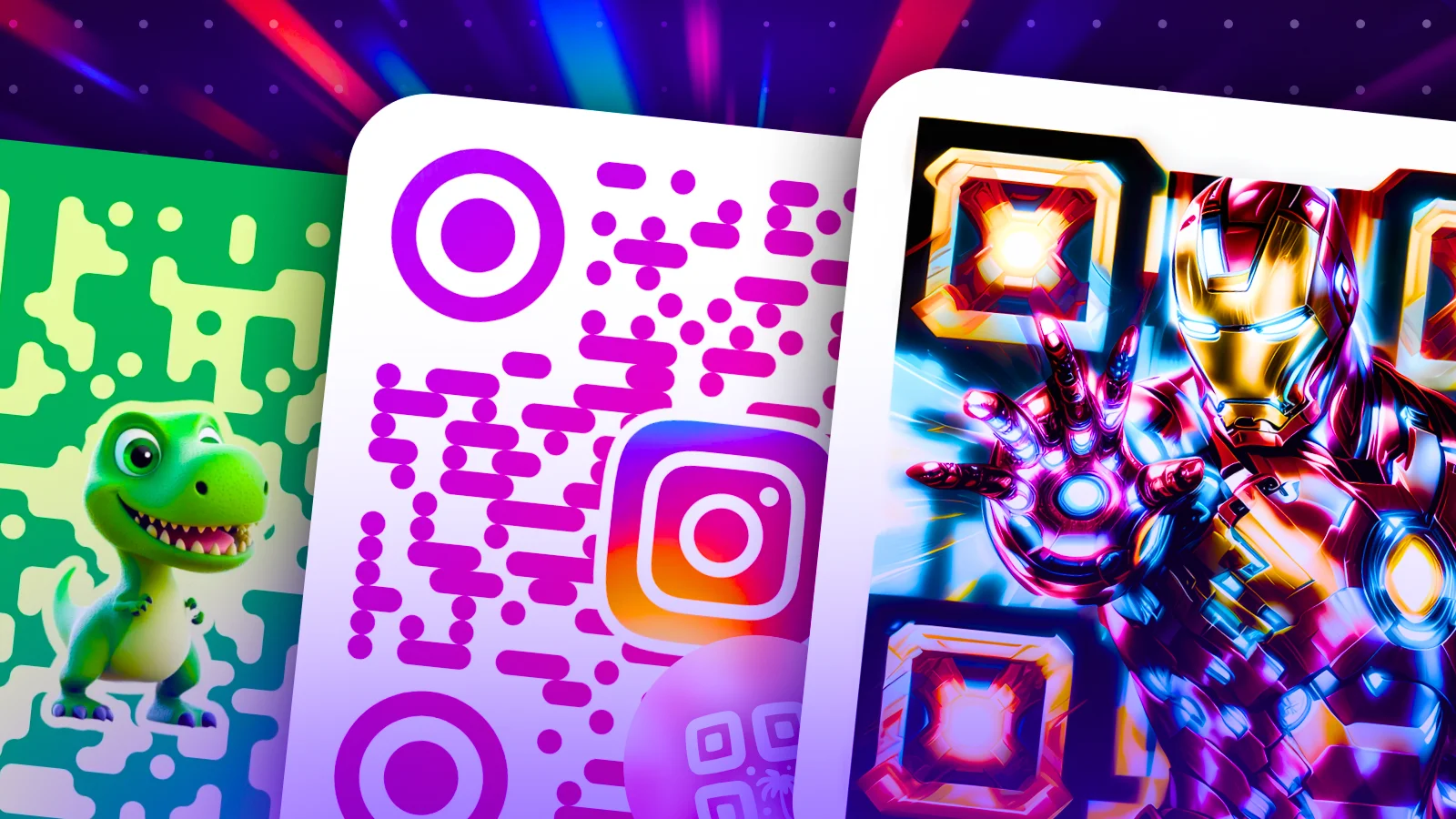
All Designs QR Codes
Discover a library of beautiful, random and customizable QR codes. Find pro and funny QR codes with artistic and custom shapes, logos, colors, styles for any use case.
QR Code AI offers three distinct creation modes to match any use case. Generate artistic QR codes with AI, build fully branded designs with 50+ customization parameters, or blend scannable codes directly into your photos. Each mode supports 40 content types, instant local preview, and downloads in PNG, SVG, or PDF.
Discover a library of beautiful, random and customizable QR codes. Find pro and funny QR codes with artistic and custom shapes, logos, colors, styles for any use case.
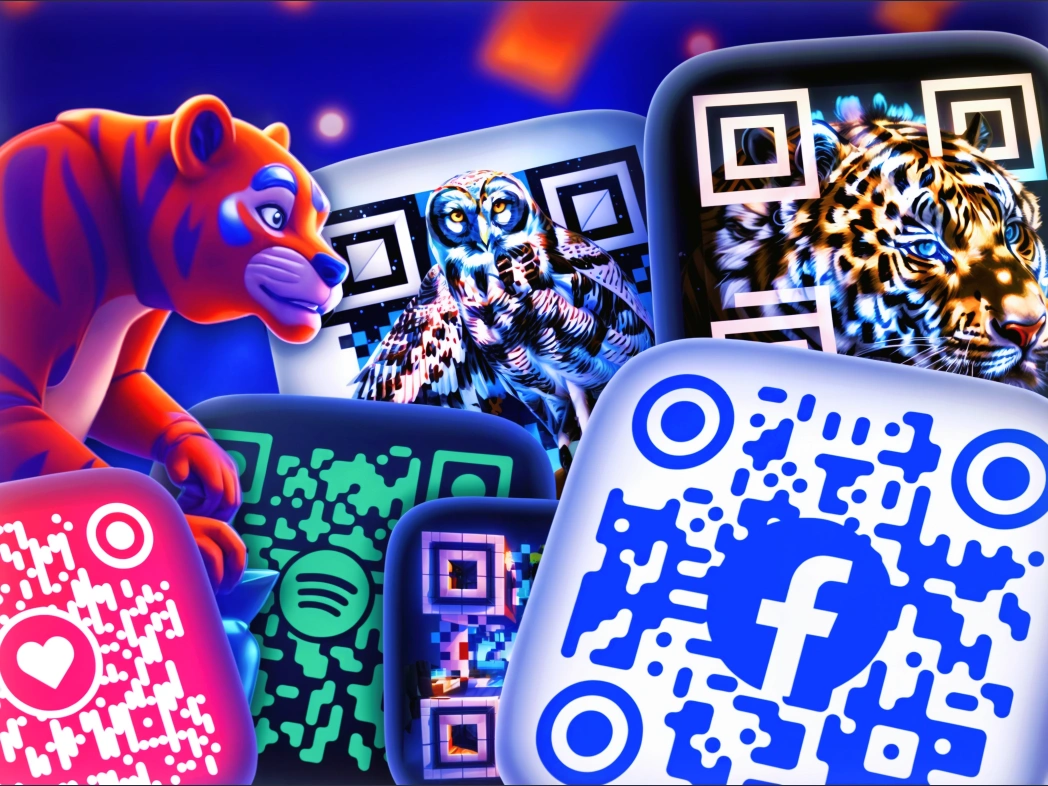
Describe your vision in a text prompt and let AI generate a scannable QR code that doubles as artwork. Built on Stable Diffusion and ControlNet, QR Code Art produces visually striking codes with multiple style presets and seed control for reproducibility. Ideal for brand campaigns, social media content, and premium marketing materials.
Explore this mode →
Take full control with 50+ customization parameters. Choose from 7 pixel styles (square, rounded, dot, squircle, row, column), 7 marker shapes, and 6 marker inner shapes. Add your logo with automatic background removal, apply crystallize or liquidify effects, set multi-color gradients, and add text overlays with custom fonts. Real-time preview lets you fine-tune every detail before downloading.
Explore this mode →
Turn any photograph or illustration into a scannable QR code. Image QR codes blend the QR pattern directly into your image with adjustable dot scale, opacity, and density controls. Choose marker styles (square, rounded, circle, heart), position logos and text in front or behind the QR layer, and create codes that feel like a natural part of your visual content.
Explore this mode →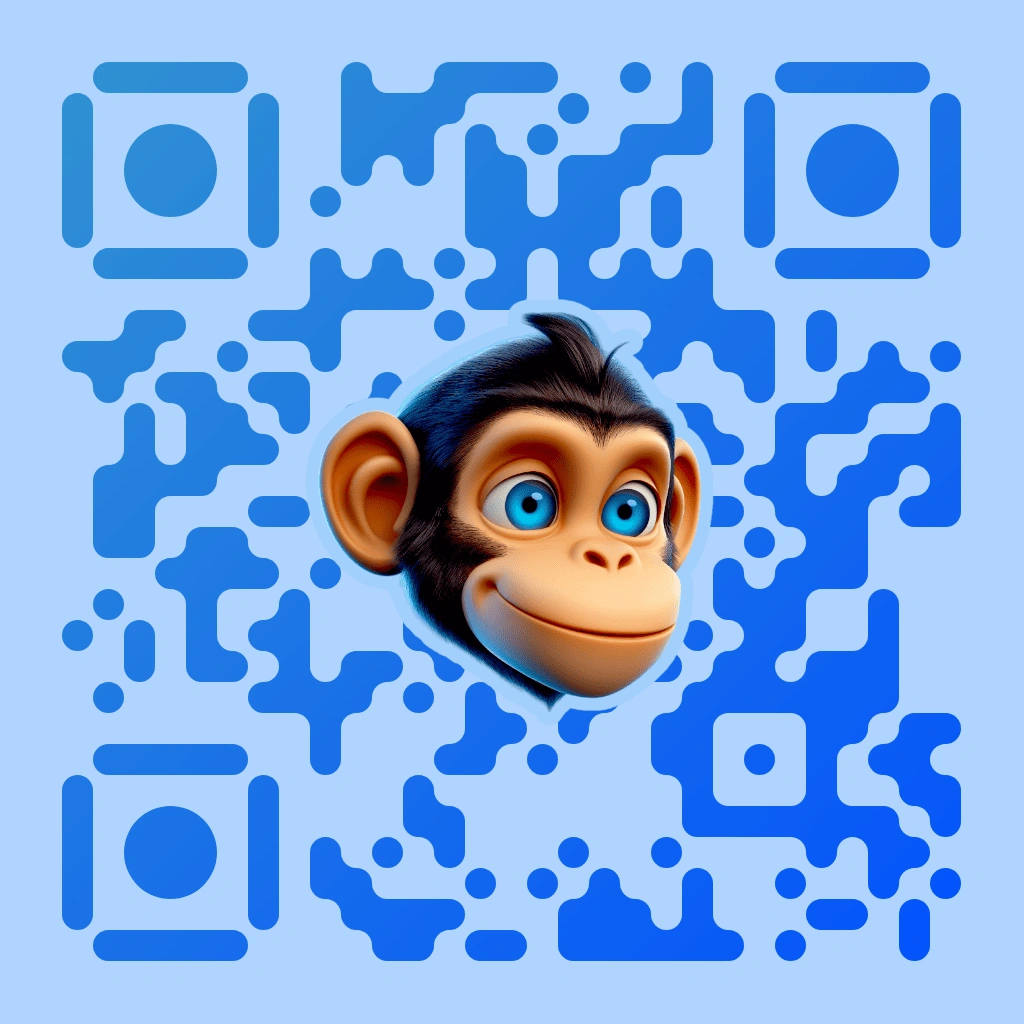
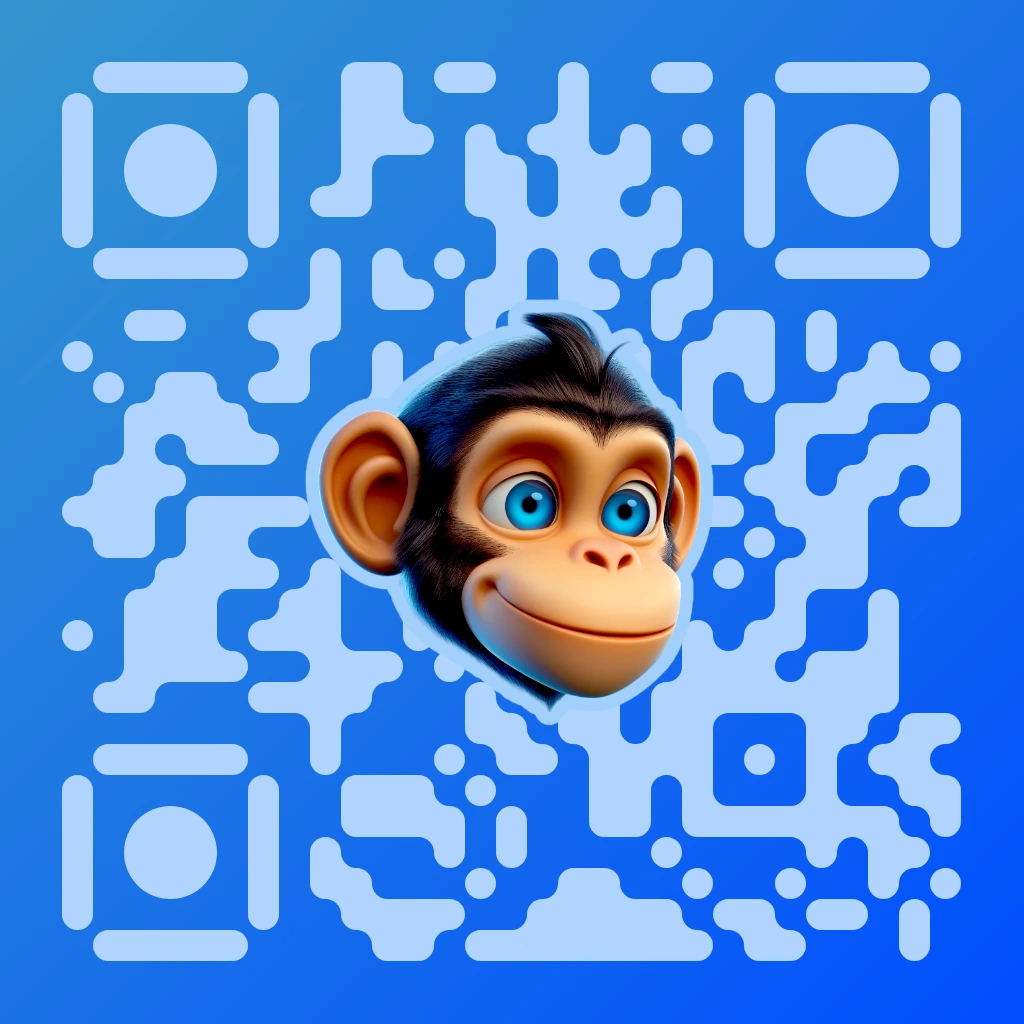
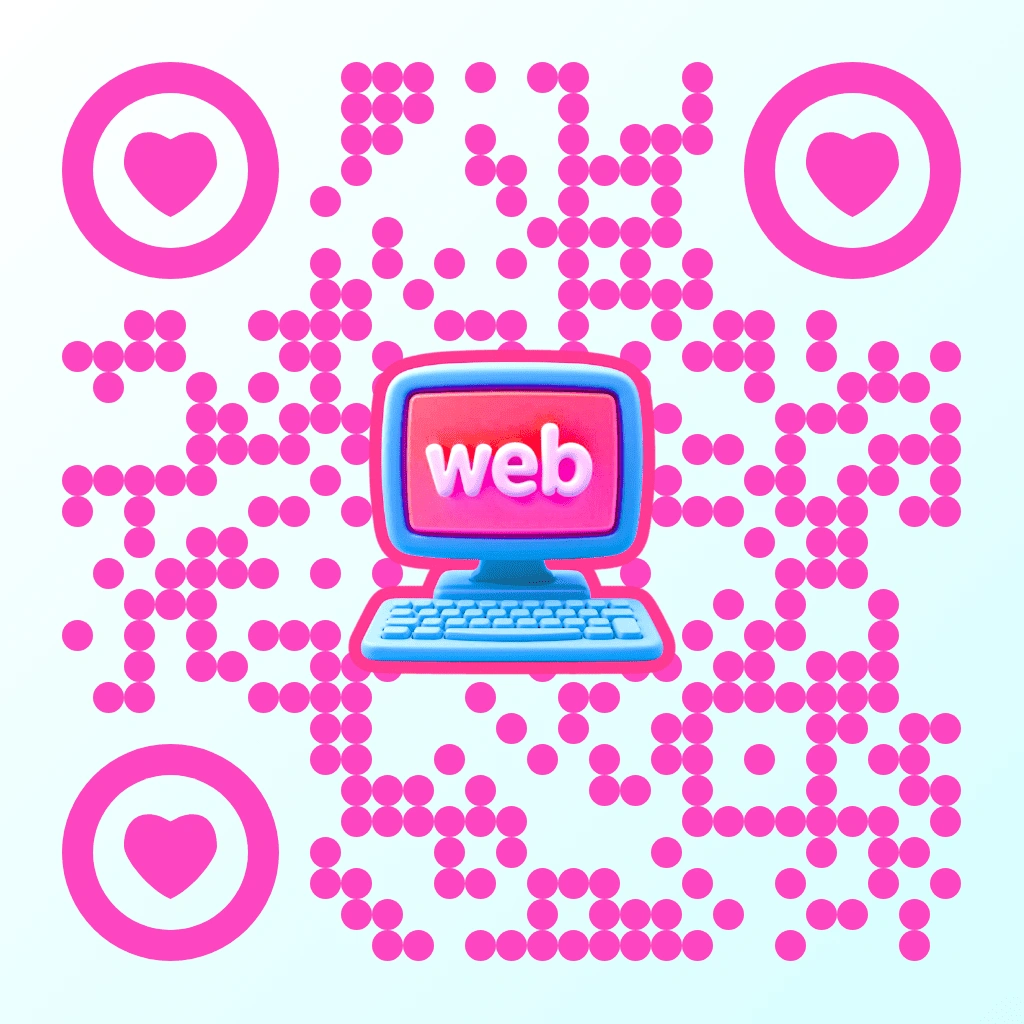
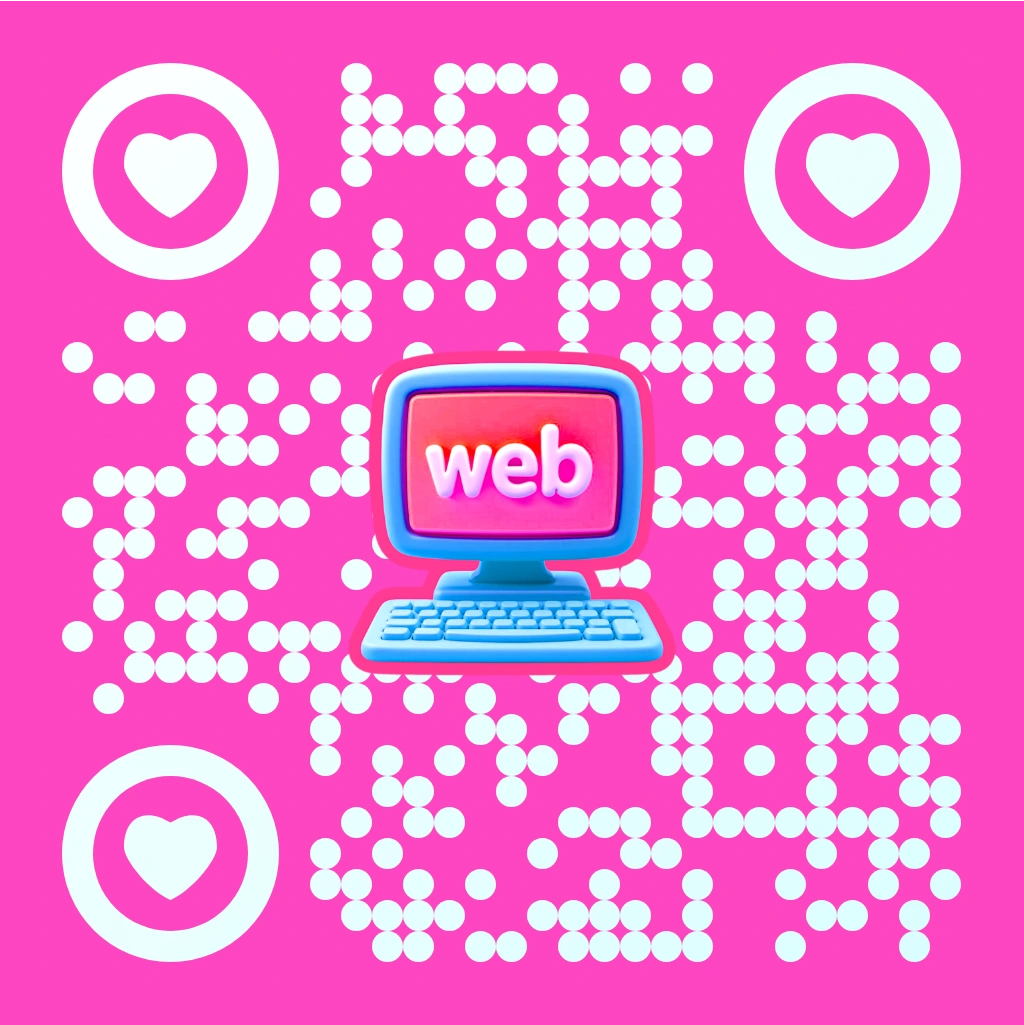
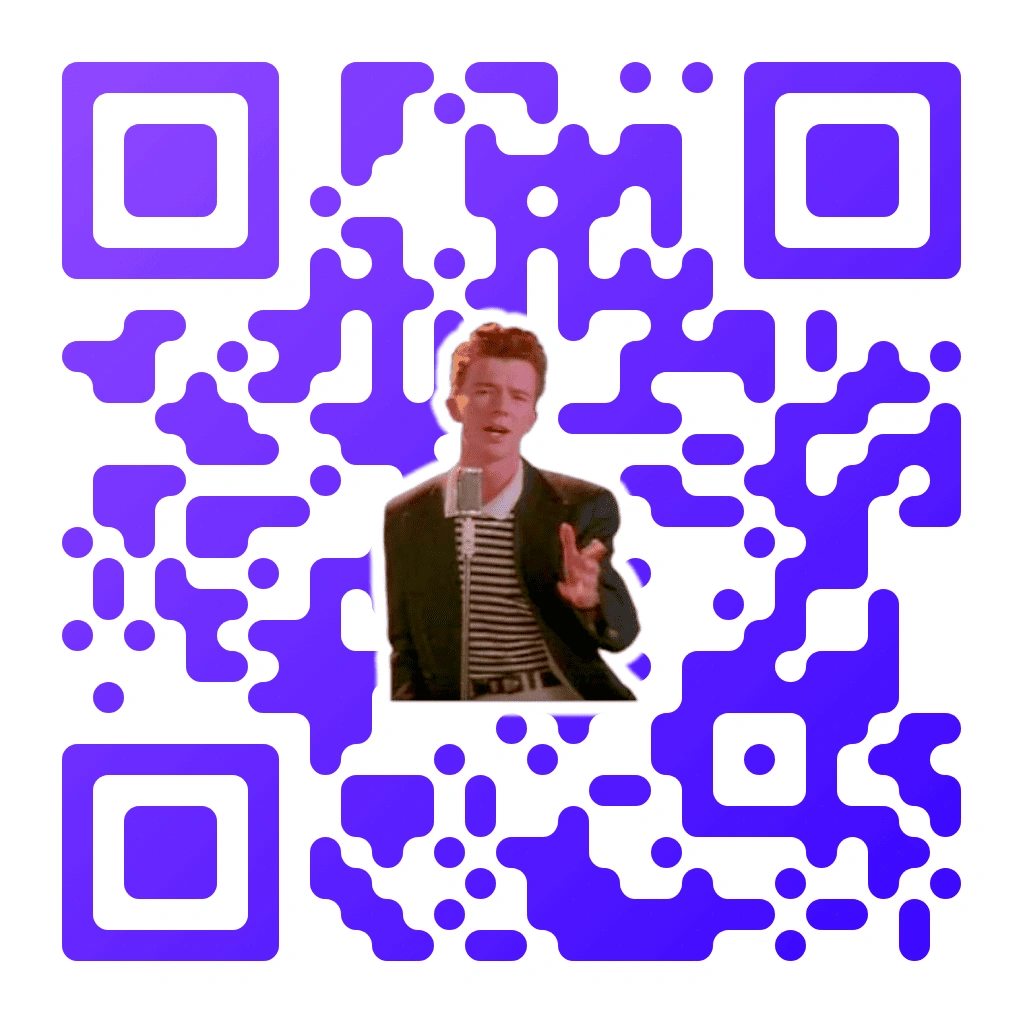
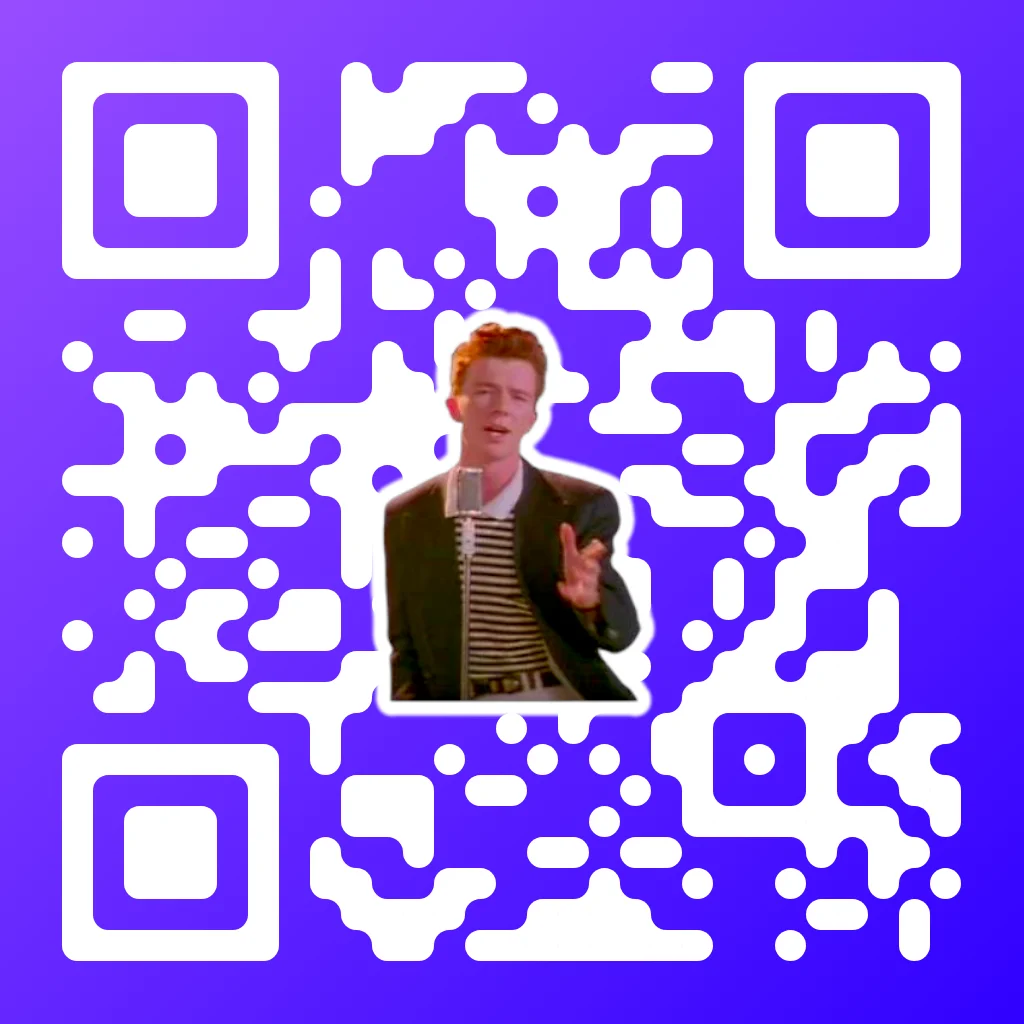
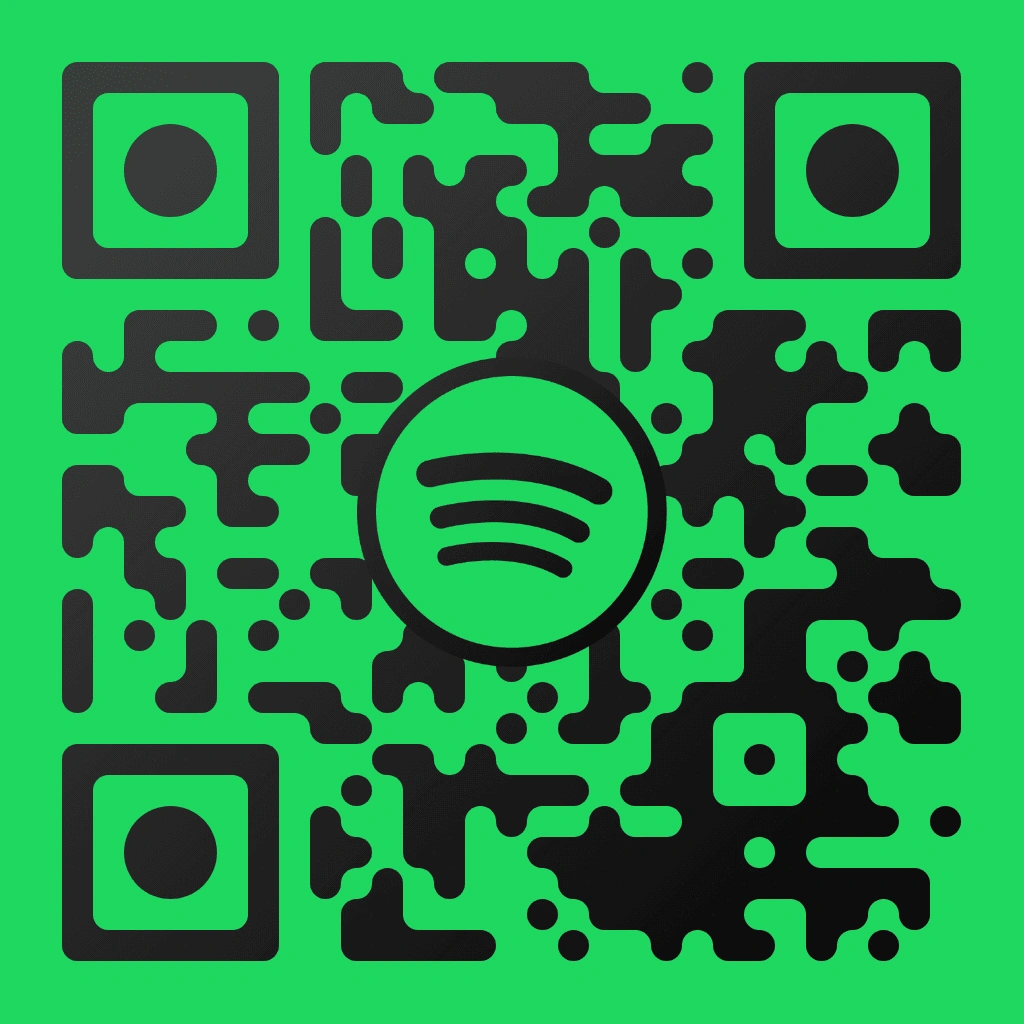
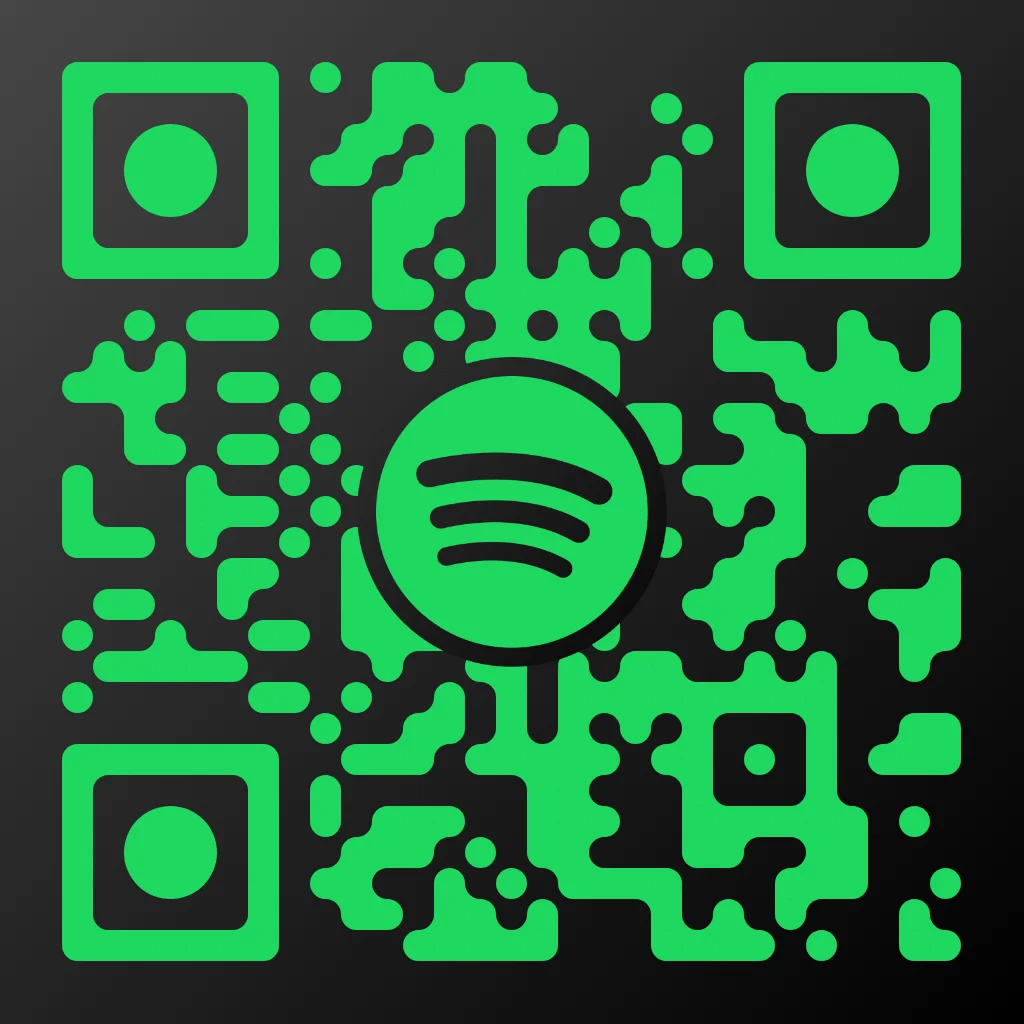
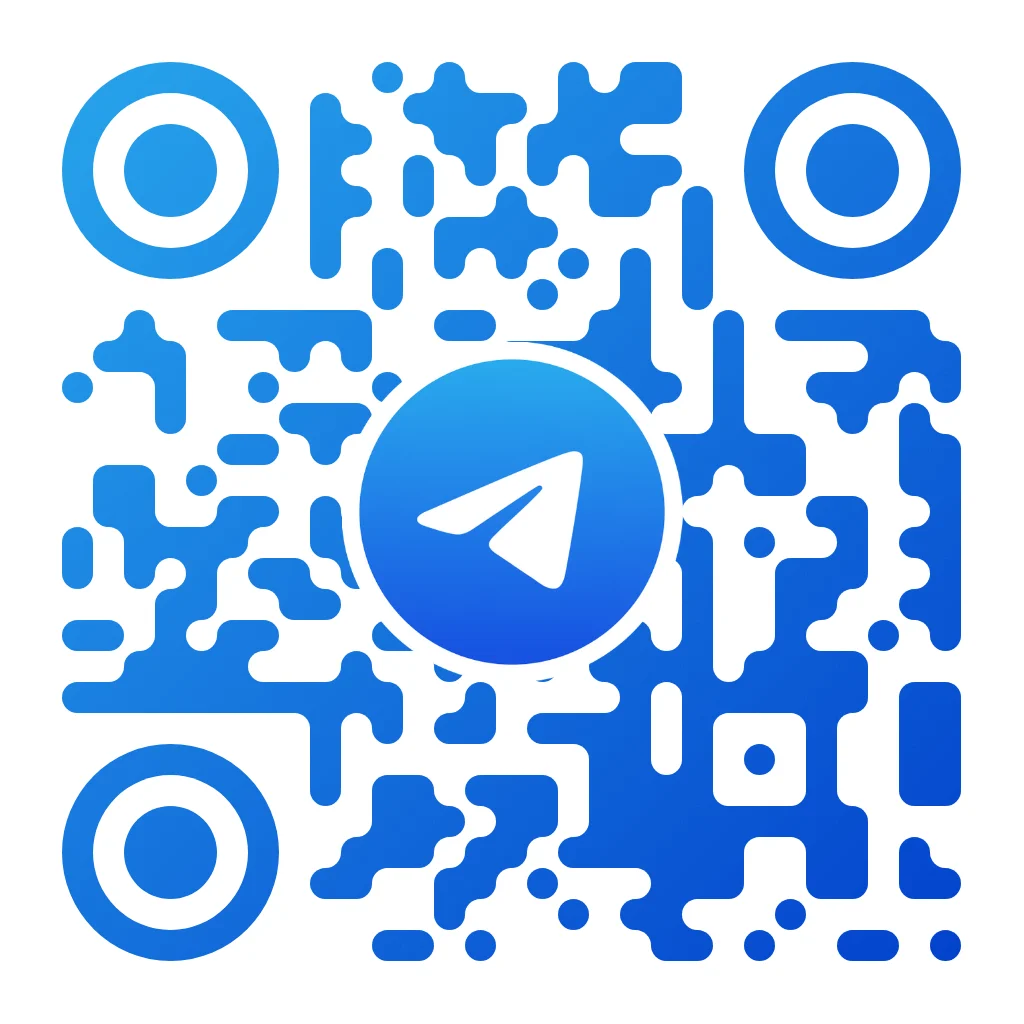
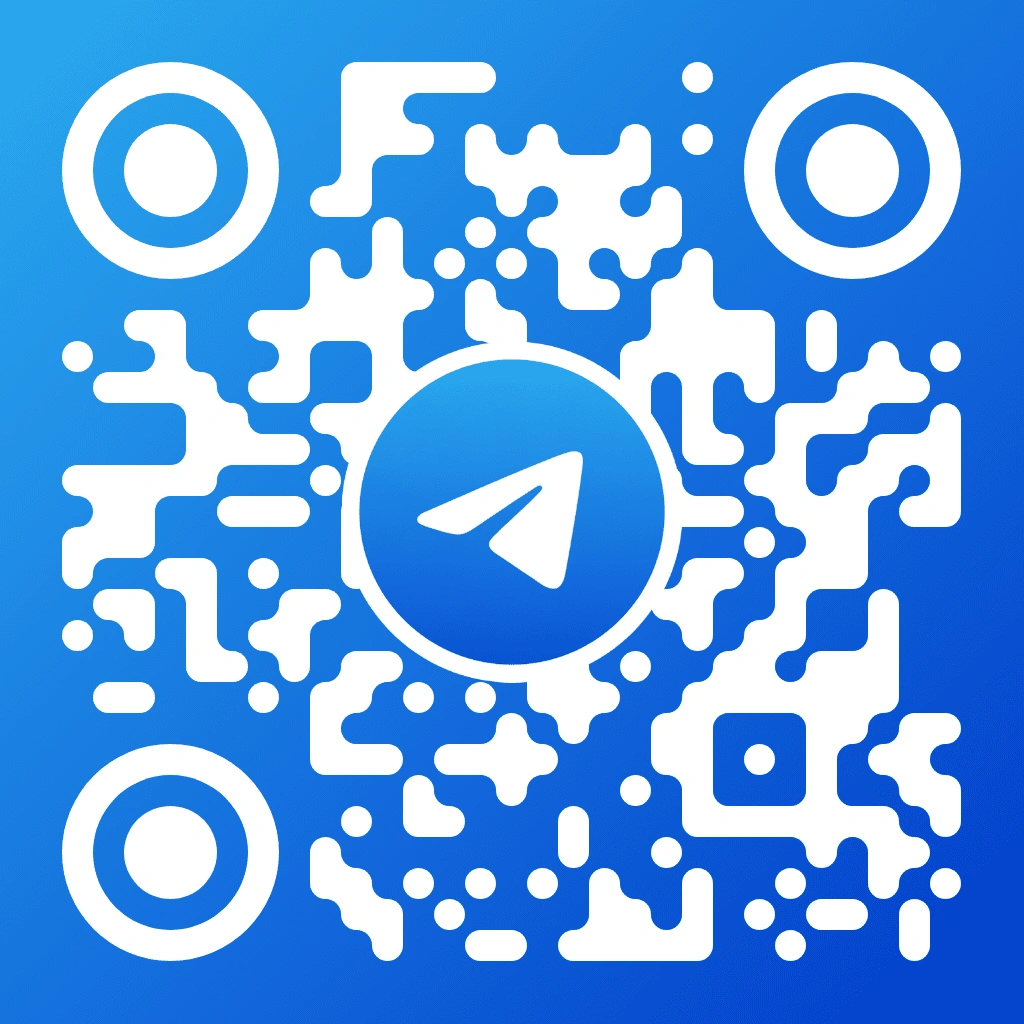
QR Code AI offers three distinct modes. QR Code Art uses AI to generate artistic, visually striking codes from a text prompt. Custom QR Code gives you full control with 50+ design parameters including pixel styles, marker shapes, logos, effects, and multi-color gradients. Image QR Code blends a scannable QR pattern directly into a photograph or illustration. All three modes support 40 content types and instant local preview.
No. This build works as a direct browser-based QR generator: choose a mode, enter content, customize the design, preview it, and download without logging in or saving scan records.
QR Code AI supports 40 content types: URLs, email, phone, SMS, WiFi, vCard, PDF, plain text, and social media platforms including Instagram, YouTube, TikTok, Facebook, WhatsApp, Telegram, LinkedIn, Twitter/X, Snapchat, Pinterest, Discord, Twitch, Spotify, and SoundCloud. Google Suite integrations cover Forms, Maps, Drive, Docs, Slides, and Reviews. Additional types include App Store links, Airbnb, Booking.com, TripAdvisor, PayPal, and CRM forms.
Refreshing the page clears the current editing state. Generate, preview and download the QR code you need during the active browser session.
QR Code Art uses generative AI built on Stable Diffusion and ControlNet to create artistic QR codes from a text prompt. Describe your desired visual style, choose from multiple AI style presets, and the system generates a scannable QR code that blends art and functionality. Seed control ensures reproducible results across generations.
Custom QR Code provides 50+ parameters: 7 pixel styles (square, rounded, dot, squircle, row, column, auto), 7 marker shapes, customizable marker inner shapes, multi-color gradients, logo integration with adjustable scale and positioning, text overlays with 6 fonts, crystallize and liquidify visual effects, margin noise with multiple space modes, transparent or custom backgrounds, and 4 error correction levels (L, M, Q, H).
Image QR Code overlays a scannable QR pattern onto your photograph or illustration. You control dot style (square or dot), dot scale, dot opacity, and minimum dot density to adjust how visible the QR pattern is. Background scale and opacity let you balance the original image with the QR layer. Marker styles include square, rounded, circle, and heart, and logos or text can be layered in front of or behind the QR pattern.
QR codes can be downloaded as PNG (raster, ideal for digital use), SVG (vector, scalable without quality loss for print), or PDF (print-ready format for professional materials). All three QR code creation modes support these formats.
QR Code AI offers a free tier that lets you create and download QR codes across all three modes with a limited number of generations. the design tools include unlimited QR code creation via the platform, exclusive AI templates, advanced design tools, and detailed scannable previews. Pricing is geo-localized across 40+ currencies to stay accessible worldwide.
Choose the creation mode that fits your project: AI-generated art, fully customized designs with 50+ parameters, or photo-blended QR codes. Encode any of 40 content types, verify every code before download with instant local preview, and download in PNG, SVG, or PDF. Get started with 1200+ templates or build from scratch.
Start Creating Your QR Code