
Custom QR Code Generator
Add logos, shapes, colors and frames, then export PNG, SVG or PDF files.
Custom QR Code Generator →Use QR Code AI as a direct browser-based generator: enter content, customize the visual style, preview the code, and download it. Refreshing the page clears the current edit.
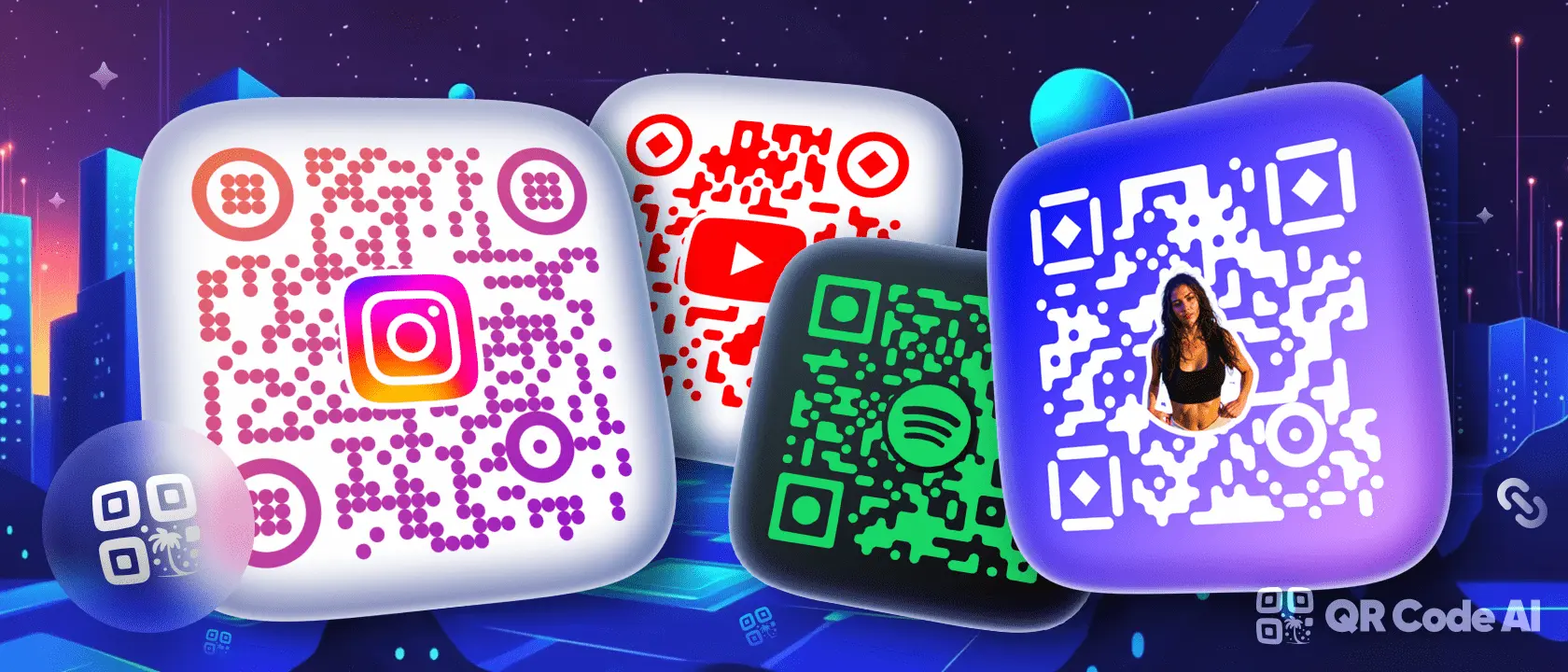














The public generator keeps the workflow local to the page. A refresh clears the current inputs, and downloads are produced from the active preview rather than from a saved account workspace.
Open the generator →
Keep the original visual richness while using simple one-session creation tools.
Add logos, shapes, colors and frames, then export PNG, SVG or PDF files.
Custom QR Code Generator →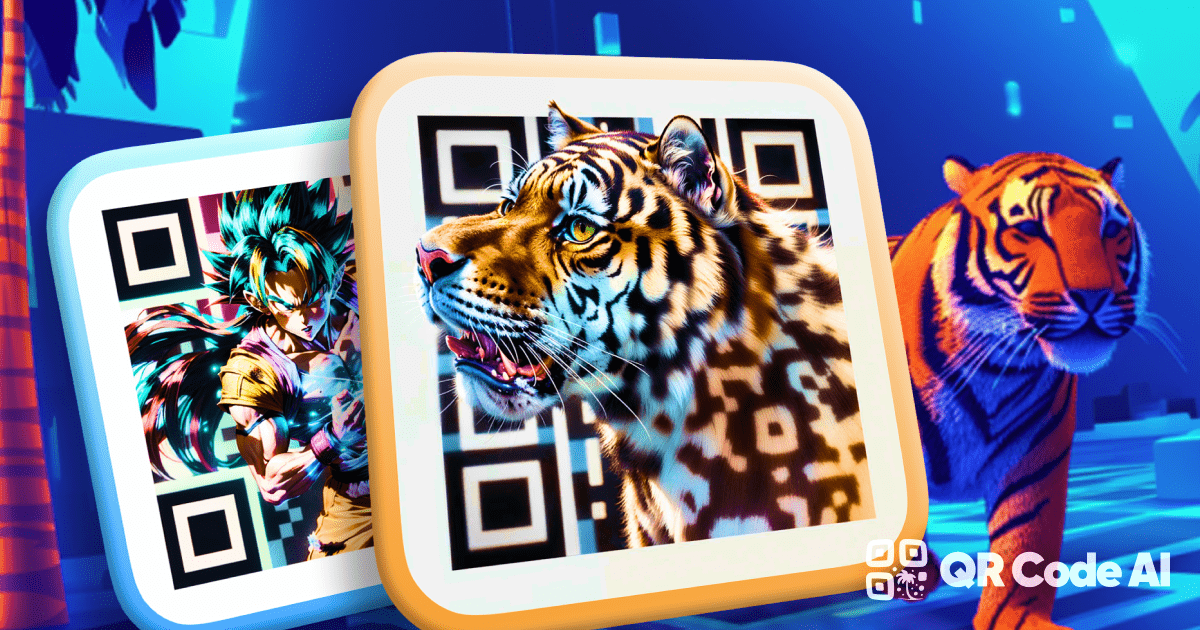
Turn prompts and templates into scannable artistic QR visuals.
QR Code Art Generator →
Start from reusable designs for social, print, menus, events and branded links.
Template Library →Yes. The generator opens straight into the QR creation flow.
The current editing state is cleared. Generate, preview and download the code you need during the active session.
The current editing state is cleared because the page does not persist drafts or campaign data.